----------------------------------------------------------------------------------------

Please feel free to Contact Us if you're experiencing problems browsing this blog using our contact form.

Boot Animations ★ root v1.0

Sunday, November 3, 2013


Description
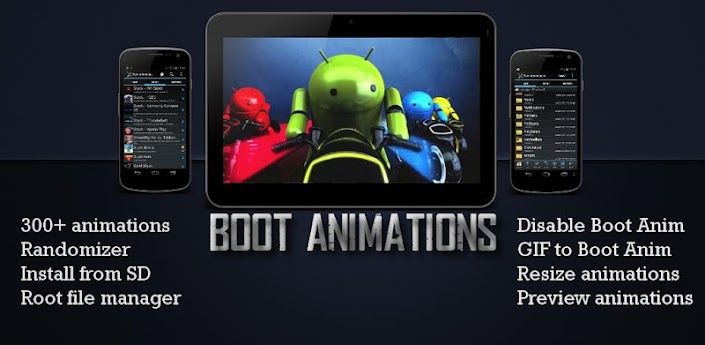
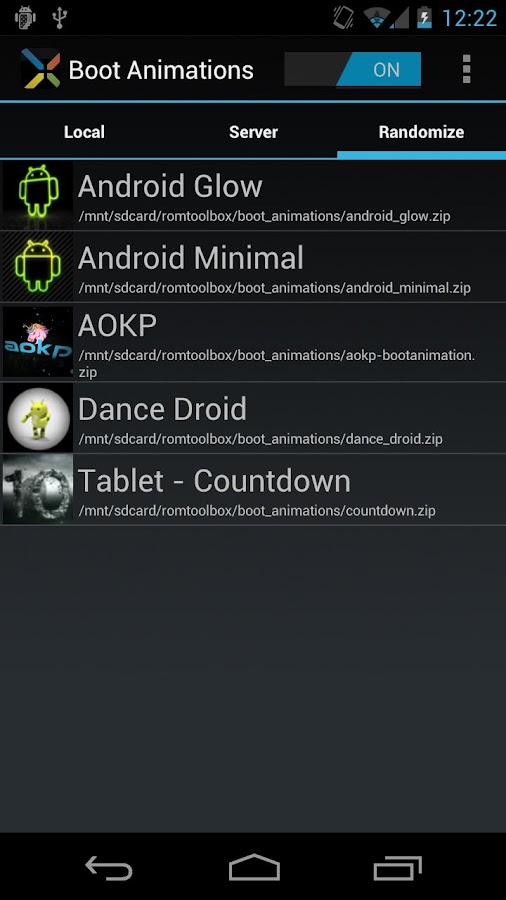
Welcome to the best Boot Animation manager on Android. This app contains more features and boot animations than any other app! Please check out ROM Toolbox Pro to get this app plus much more.

This app requires busybox and root access. If you have any questions or concerns please email us at jrummy.apps@gmail.com

Features include:
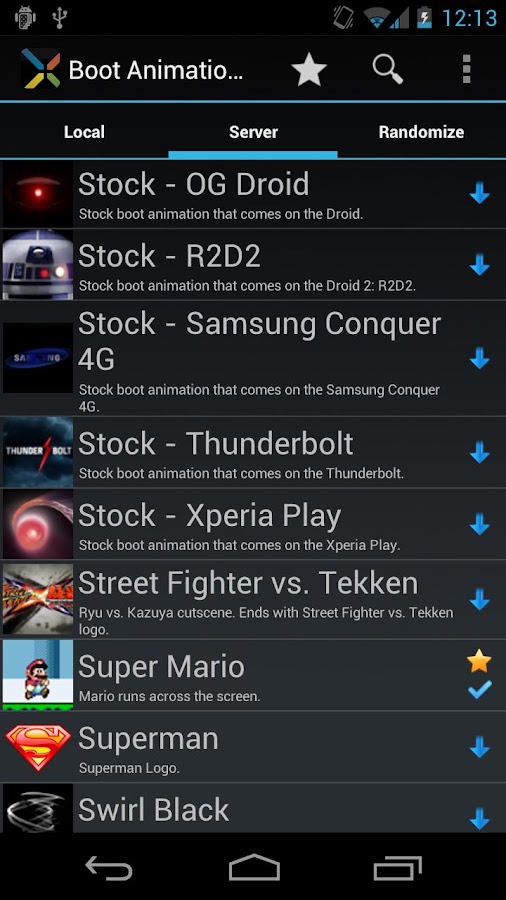
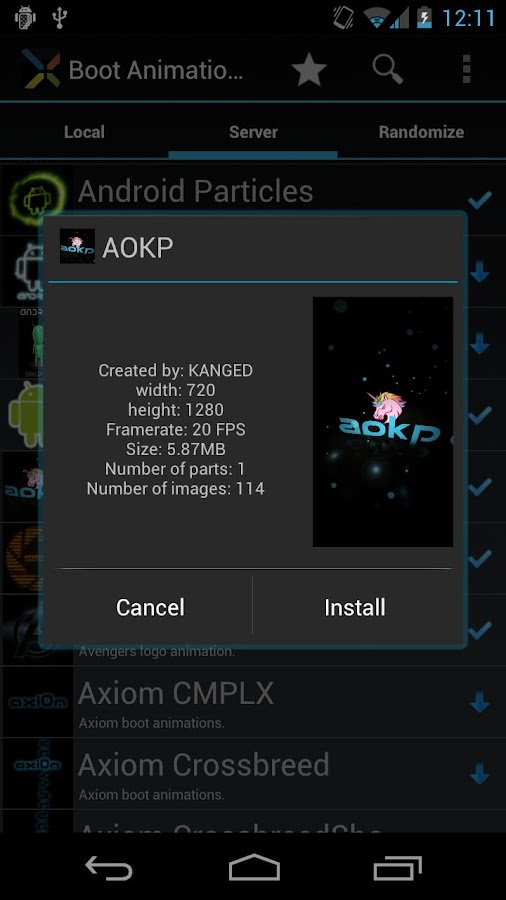
★ 300+ custom boot animations
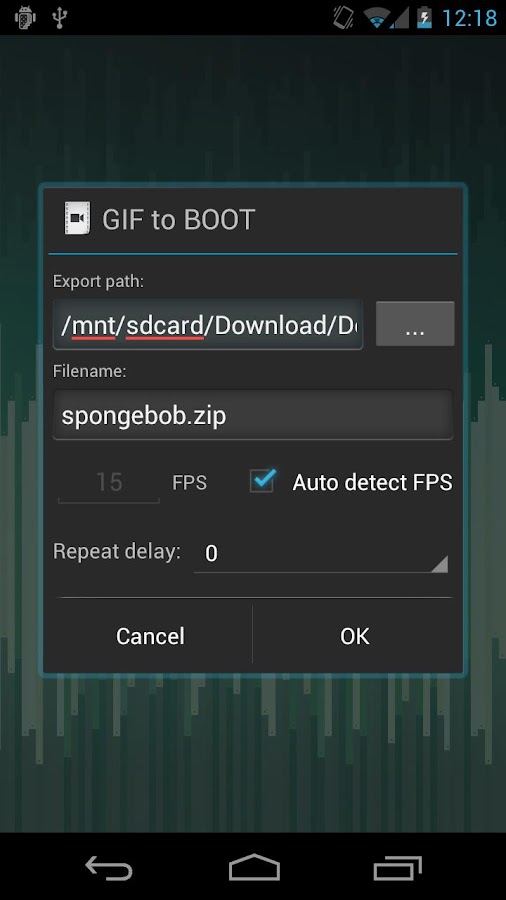
★ Convert any animated GIF to a boot animation
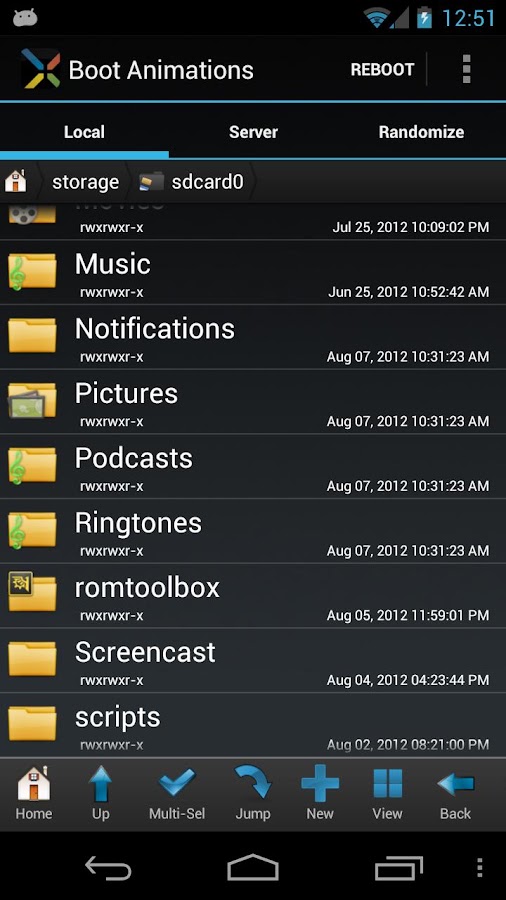
★ Install boot animations from your SD card
★ Root file explorer (all features included)
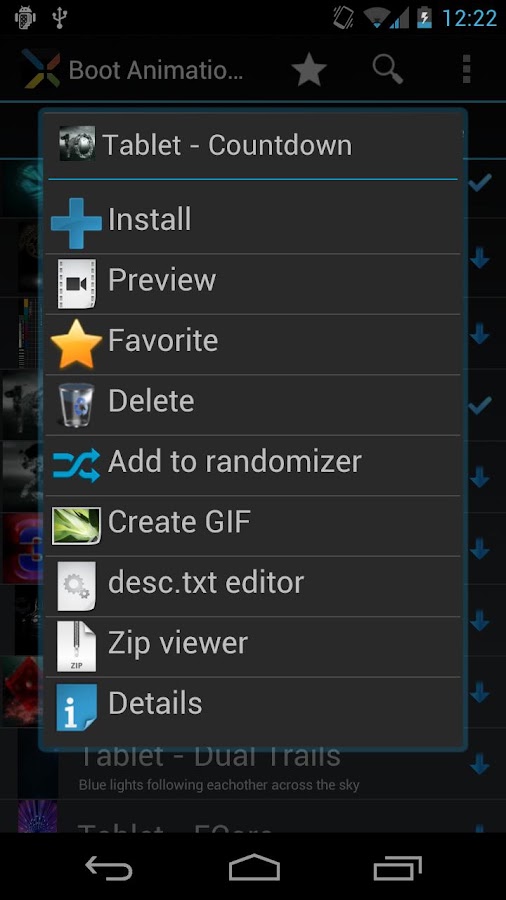
★ Convert boot animations to animated GIFs
★ Preview boot animations
★ Randomize your boot animations (new boot animation each reboot)
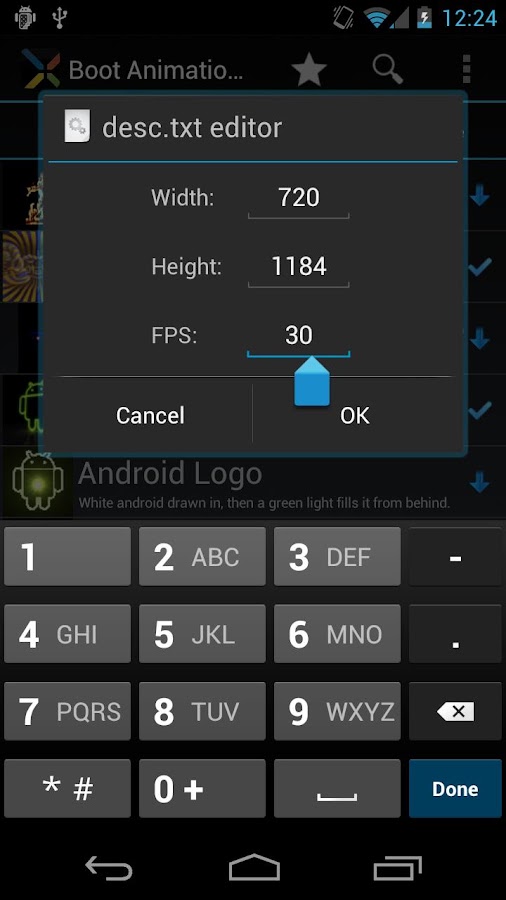
★ Resize any boot animation and change the FPS
★ Backup/Restore multiple boot animations
★ Disable your boot animation for a faster boot

Some features are only available after an in-app purchase inside the app. You can also remove ads with a small in-app purchase. Your support is much appreciated.


Attached Files Attached Files

DOWNLOAD:


Thor: TDW - The Official Game v1.0.0 APK

Friday, November 1, 2013


Become Thor, the mighty God of Thunder, in this official action-adventure game!


Thor: TDW - The Official Game play.google.com.GloftTRHM
Malekith, the lord of the Dark Elves and ancient enemy of Asgard, leads an invasion to destroy the Nine Worlds! Thor must race to stop the Dark Elves from plunging the universe into darkness! Join forces with Asgard’s greatest warriors and embark on an epic quest to stop Malekith’s dark ambitions and restore order to the Nine Worlds.

HEROES OF ASGARD

  • Train and fight alongside legendary Asgardians such as Sif, Heimdall and the Warriors Three.
  • Summon 7 types of Einherjar, valiant Asgardian warriors, to help you tactically bring down foes.
  • Upgrade and unleash your allies’ unique abilities, such as teleportation and healing.
DANGER THROUGHOUT THE WORLD TREE
  • Complete 90 fast-paced missions, each with different challenges and goals.
  • Traverse the Worlds that are under siege by the Marauders and Dark Elves, and free them with your Allies. 
  • Face down an unrelenting onslaught of Jotuns, Marauders, Rock Giants, Dark Elves, and more.
PREPARE FOR BATTLE
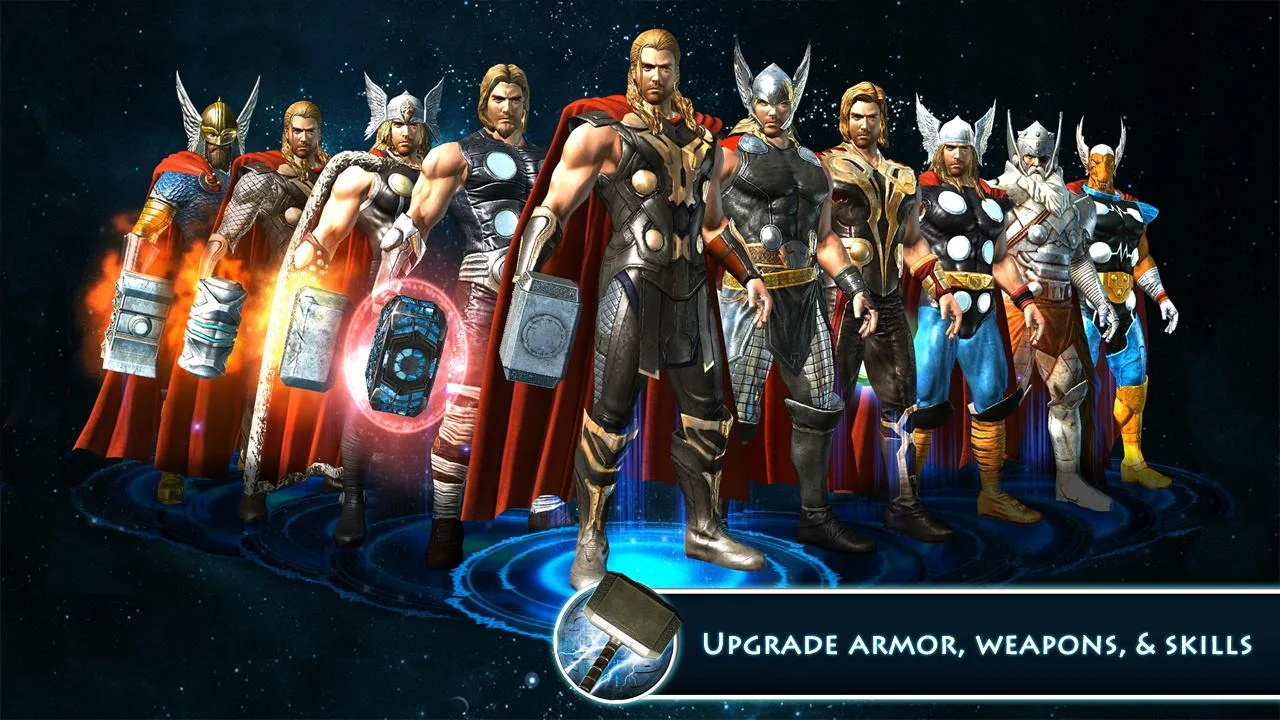
  • Unlock and upgrade 10 powerful hammers and armor sets for Thor.
  • Learn new devastating special skills for Thor and then decide which to upgrade and equip for battle.
CONQUER THE ARENAS
  • Battle waves of increasing difficulty that pit you against Malekith’s armies in our 4 Survival Arenas.
  • Compete for the top spots on the weekly leaderboard for unique rewards.
  • If you can’t beat the world, you can defeat your friends: Reach the top spots on the Friends leaderboard for greater rewards!
Required Android O/S : 2.3+

Screenshots :

Thor: TDW - The Official Game - screenshot

Download : 48Mb APK


OBB : Part1 Part2 Part3 (570Mb)
Instructions: 
  • Install APK 
  • Copy 'com.gameloft.android.ANMP.GloftTRHM' folder to 'sdcard/Android/obb/'
  • Launch the game


Switchr Pro - Task Switcher FREE DOWNLOAD


Introducing Switchr
Switchr is a well-designed, well-polished, feature packed and simple, yet practical application that allows switching between running tasks with impeccable elegance and flawless perfection.
"Ready for another one of those apps that you never thought you wanted or needed, but will fall in love with once you get it?" - Phandroid
Functionality
Switchr is a lot like Alt-Tab, except prettier, more fluid, and customizable, with a few more features sprinkled here and there. Using Switchr, you can switch between running apps with style, two styles in fact (you choose), each with its own advantages and gesture based actions such as closing apps, or shortcut to the home screen. It's a must-try.
"Sometimes change is good, and this change is just too pretty to pass up" - AndroidSpin
Switchr Pro Key
Switchr comes for free, in all its app switching glory, much like Alt-Tab, but for for Android, except much more elegant. However, with the Pro Key installed, all settings are unlocked, leaving you with the freedom to customize every aspect of Switchr. Switchr Pro allows you to take advantage of all gestures, customize all visual aspects, configure blacklists/whitelists to your liking, show unlimited running tasks, and much more.
With the Pro Key installed alongside Switchr, all settings are unlocked, leaving you with the freedom to customize every aspect of Switchr. Switchr Pro allows you to take advantage of all gestures, swipe from the right or bottom edge, customize every visual aspect, configure blacklists/whitelists to your liking, show unlimited running tasks, and much much more.
Here is the full feature list:
- Right/Bottom side swiping
- Live Task Switching
- Gestures
- Display running tasks (Switching mode)
- Display unlimited amount of tasks
- Close apps
- CoverFlow Effects (tweak scroll speed, transition animations, etc)
- Blacklist/Whitelist apps
- Option to activate on touch or full swipe
- Removed Pro Ads
- Support development
Development
Follow the development on XDA: http://bit.ly/switchrxda
News & Media
"Switchr is a well designed and well polished app with a simple, yet practical function that allows users to access their running apps quickly and conveniently." - XDA Developers
"A lot of Android devices have dedicated buttons to bring up the multitasking list, but Switchr may offer an even faster way to jump between running apps" - Android Police
"Switchr does switching in a way that will seem more natural to you" - Phandroid
"This is a high-quality app from a developer with a proven track record, and I can warmly recommend it" - makeuseof
"Swipe between apps quickly and select the one you want, all without lifting your finger off the screen" - Lifehacker
"Switchr aims to make multitasking more efficient and effective" - AddictiveTips
"Switchr is a great idea and I look forward to seeing where it goes" - Android Dissected

INSTALLATION NOTES:

1. Install first the official app from the Google Play store
2. Then download the Switchr Pro Key below and install it
3. Enjoy!

Official Play Store Release
Install Switchr


FREE DOWNLOAD


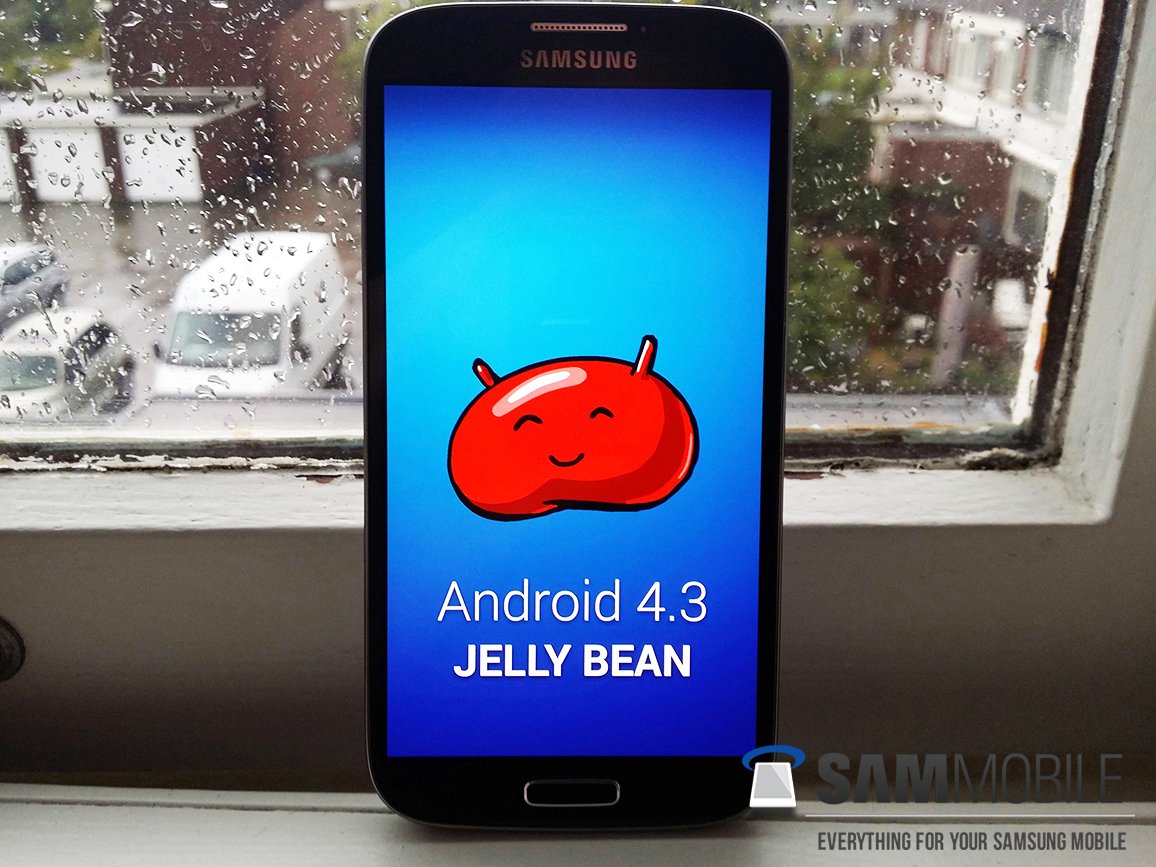
[NEW!] Leaked Android 4.3 test firmware for Galaxy S4 (GT-I9505) – I9505XXUEMJ3

Monday, October 14, 2013

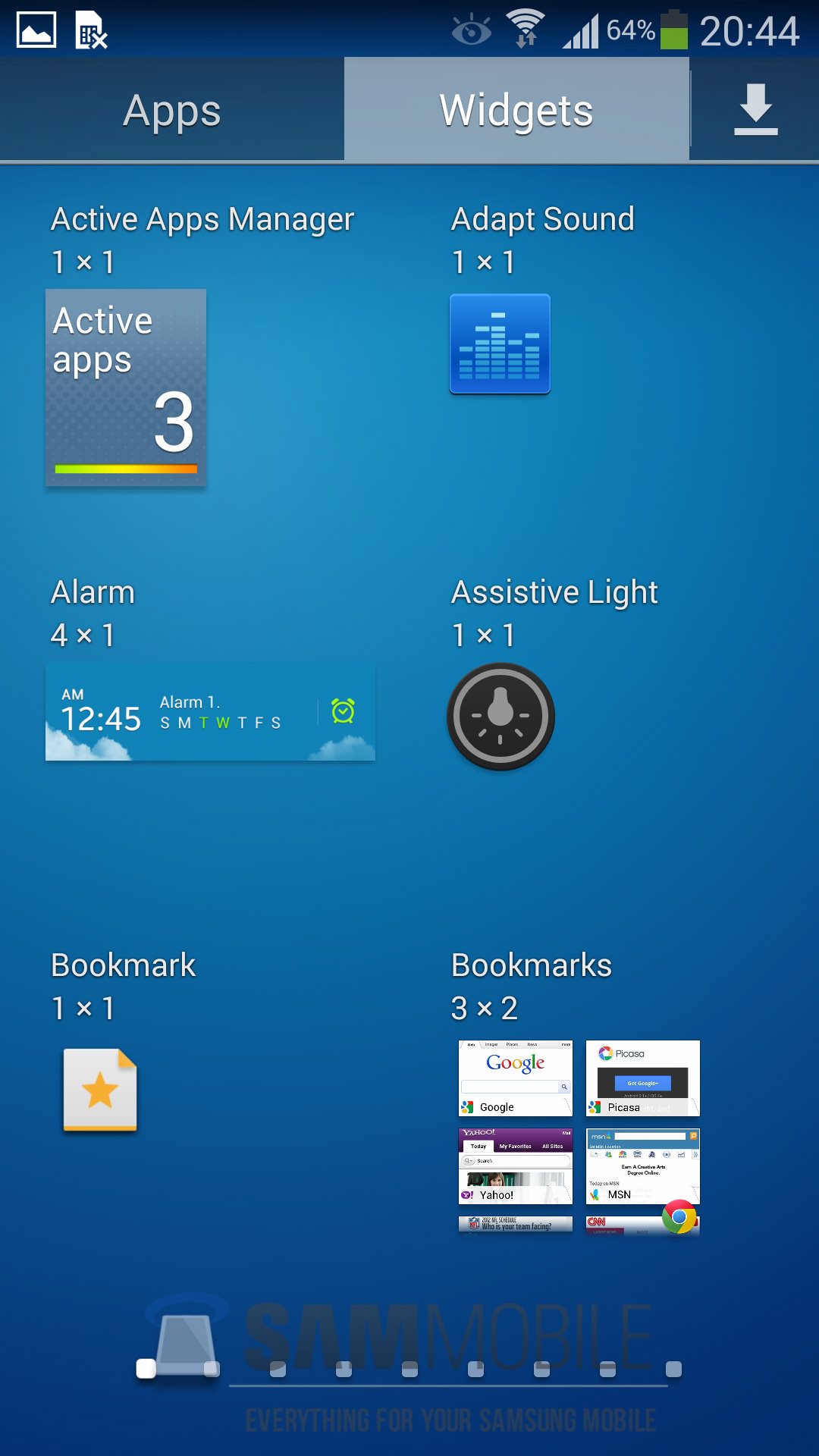
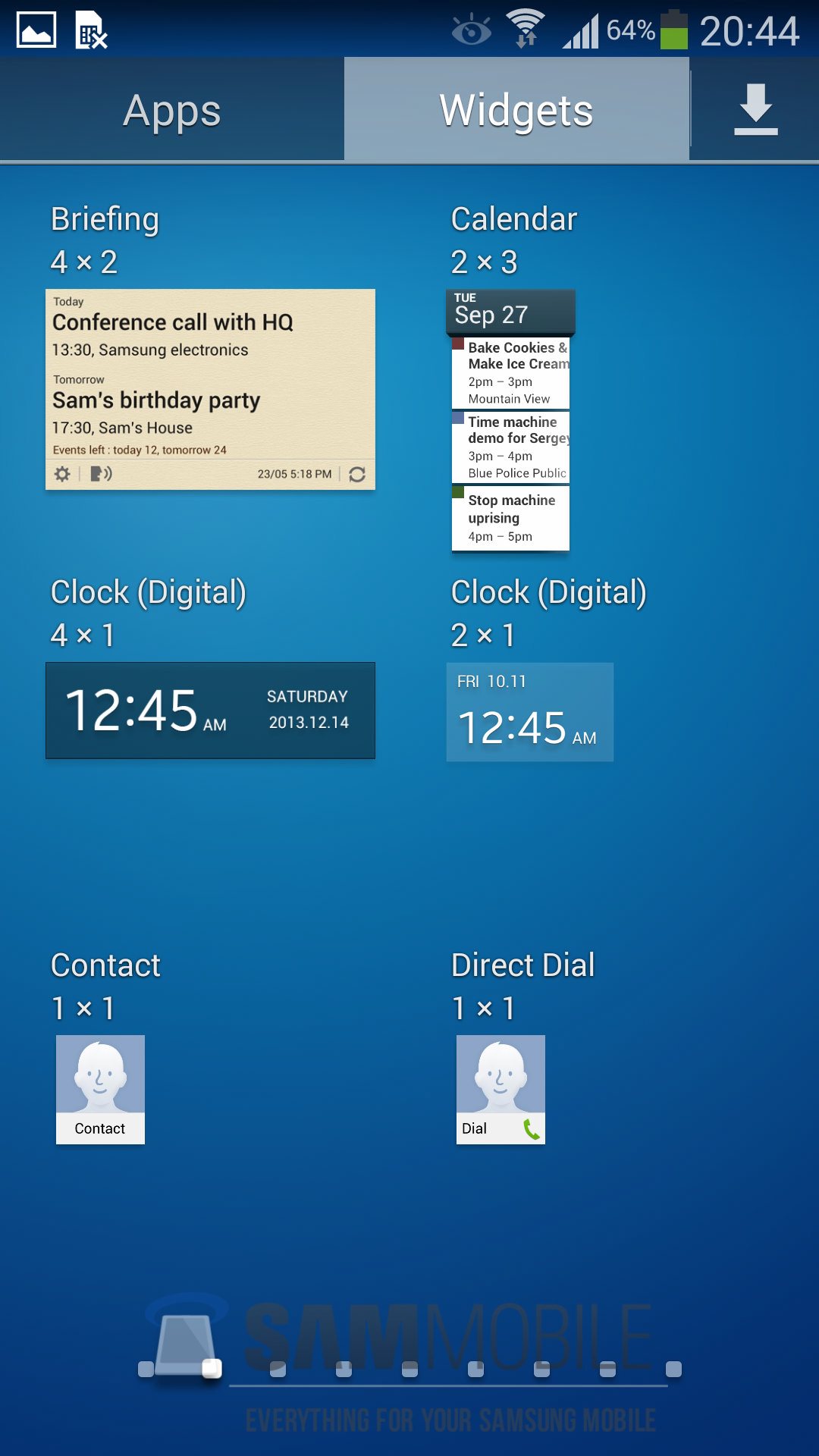
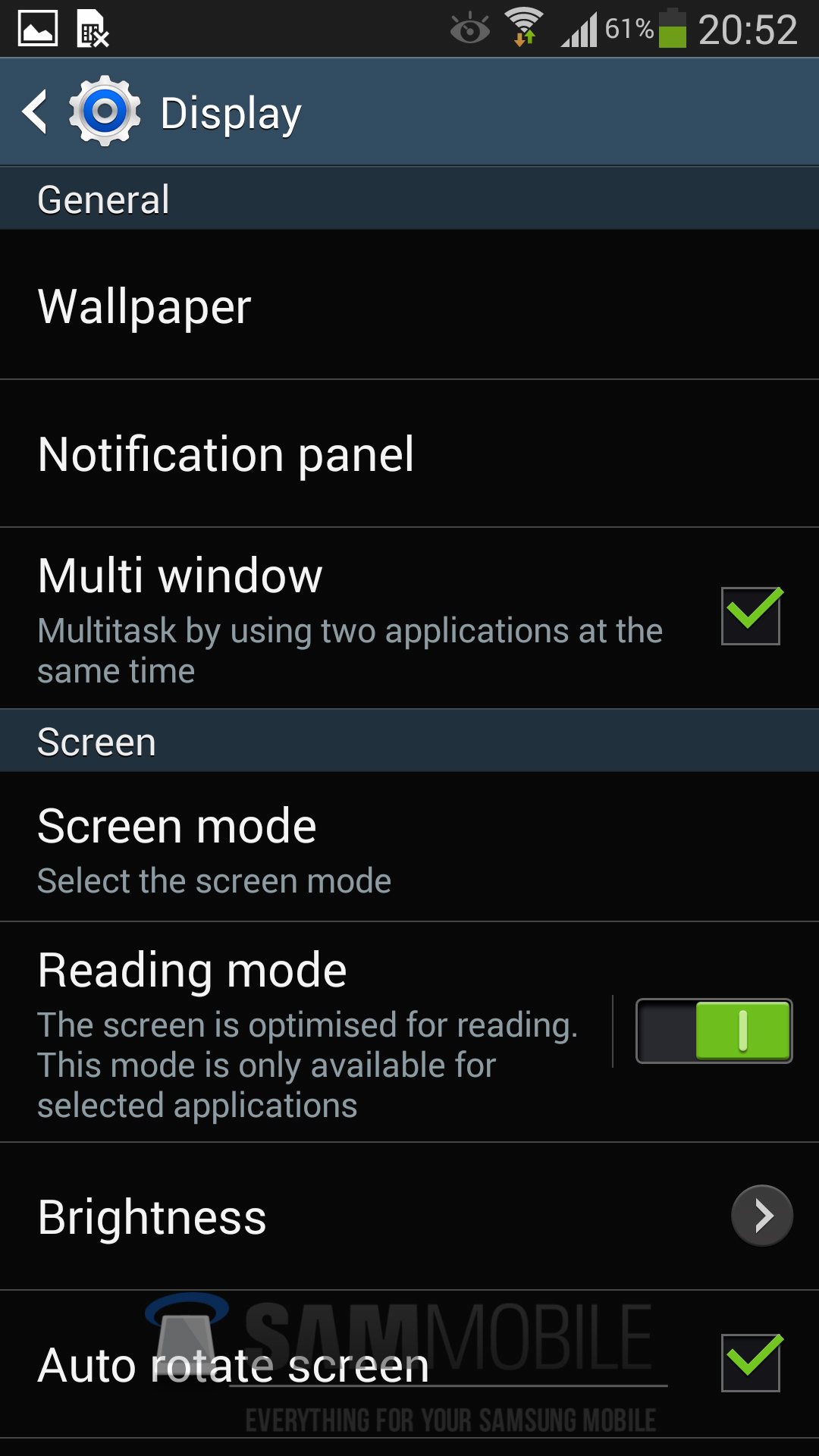
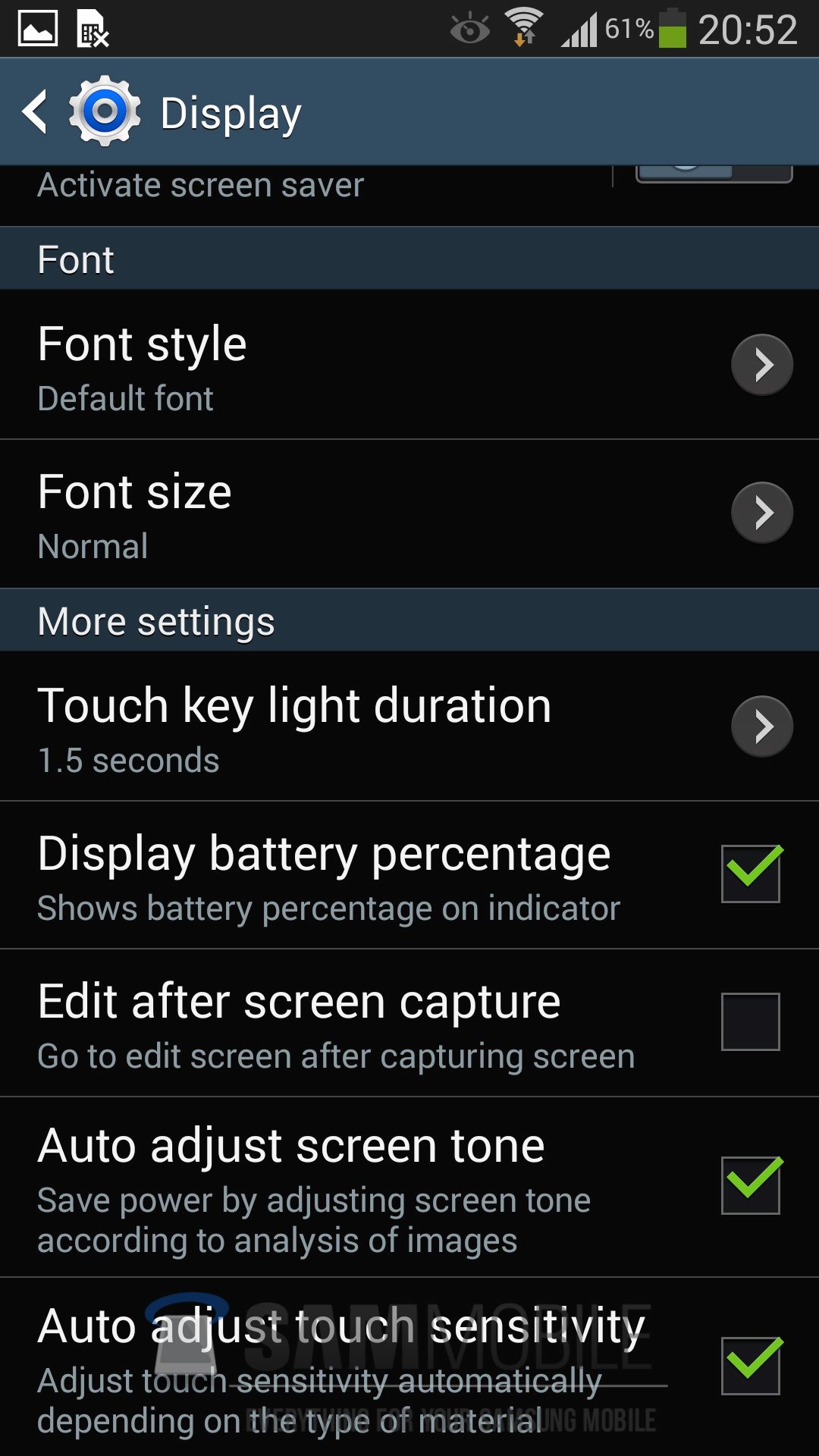
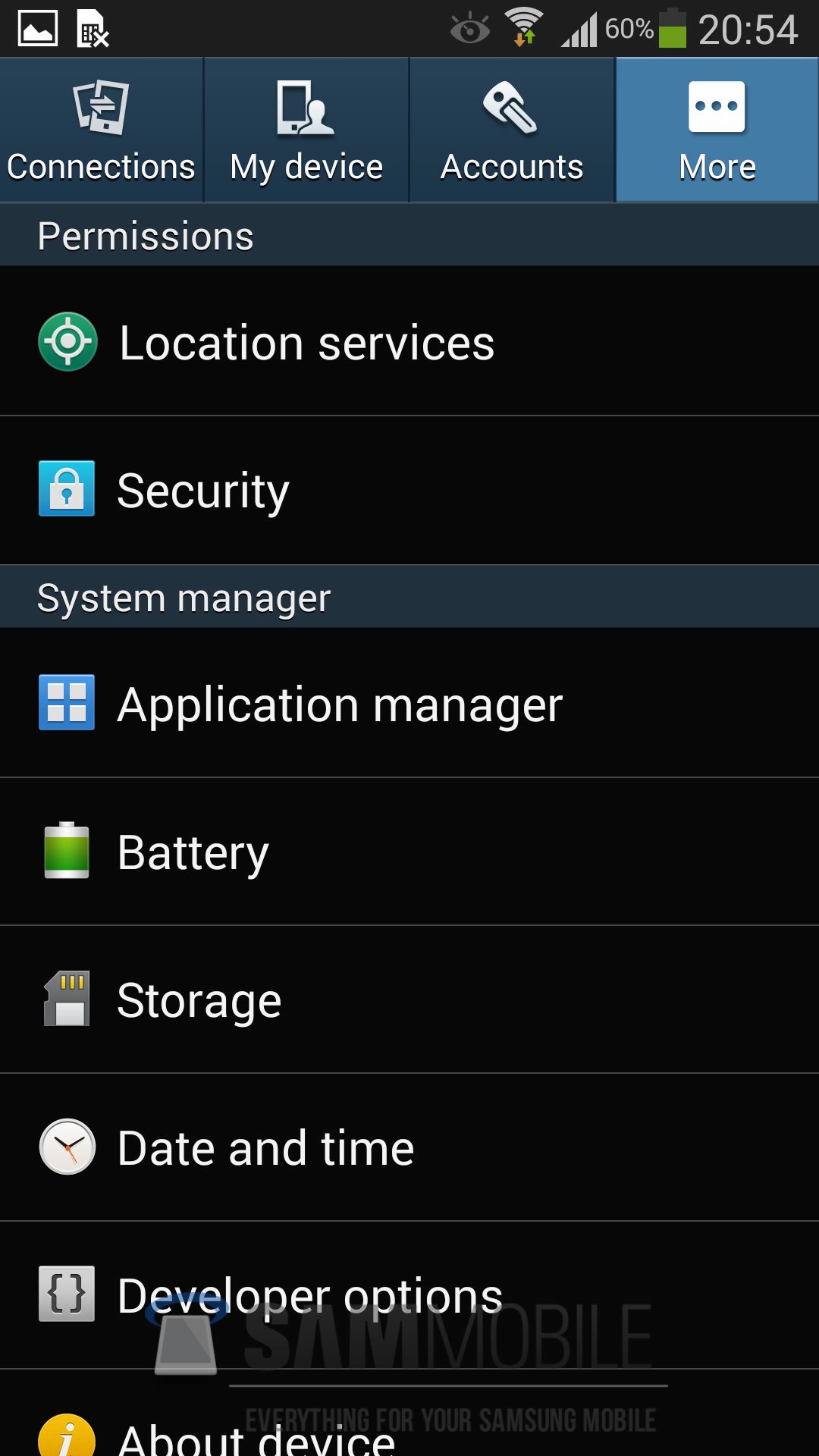
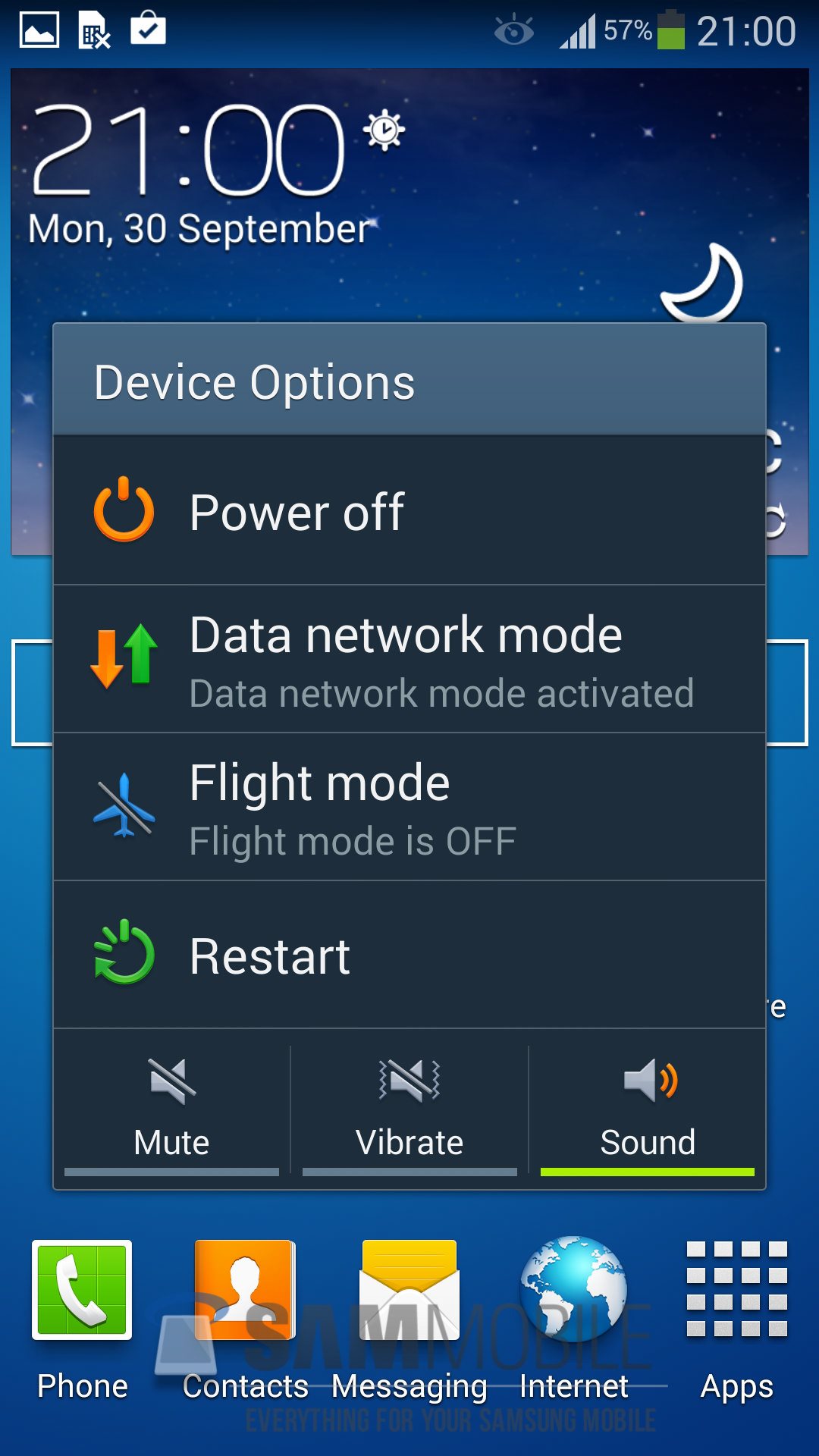
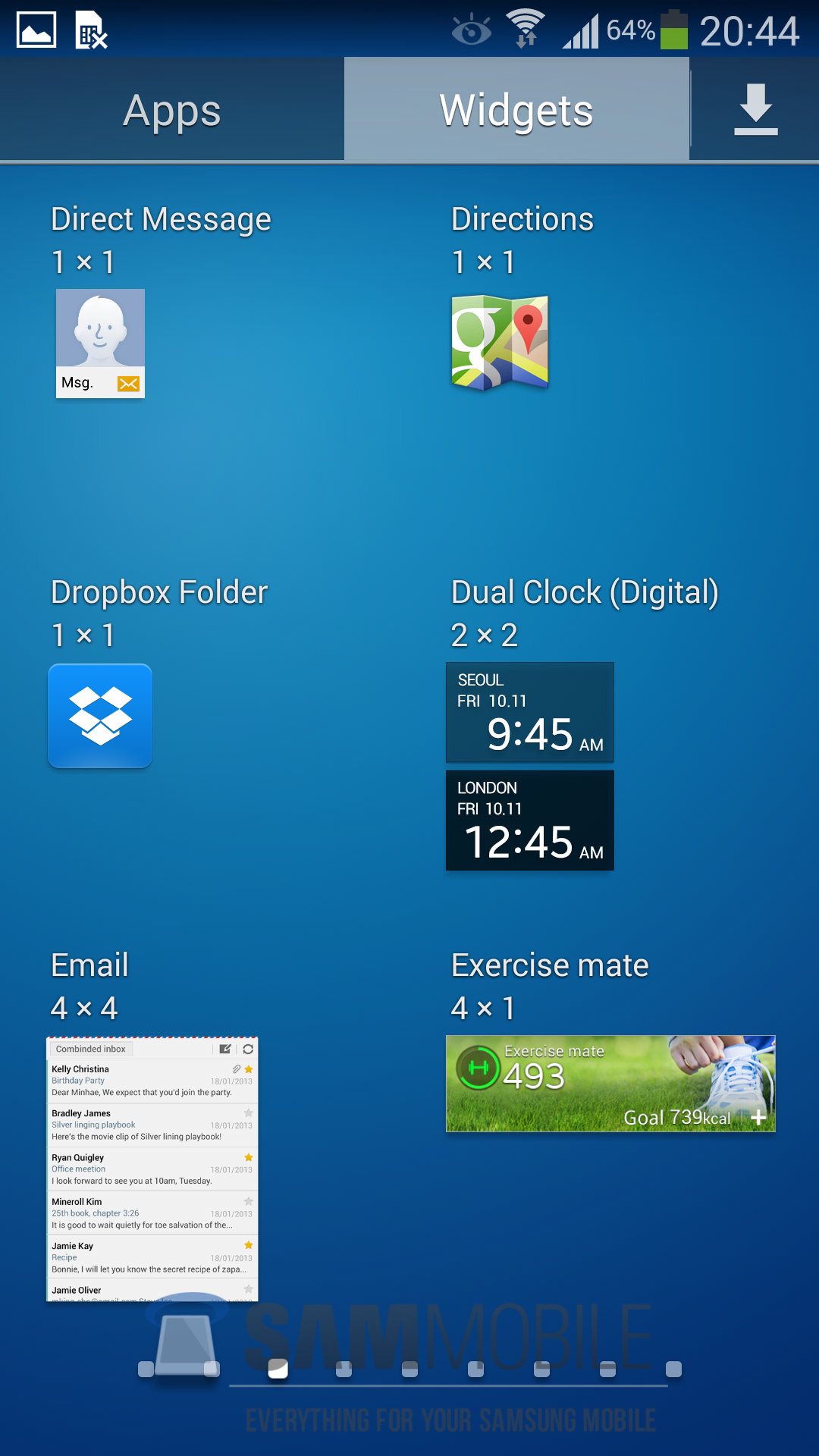
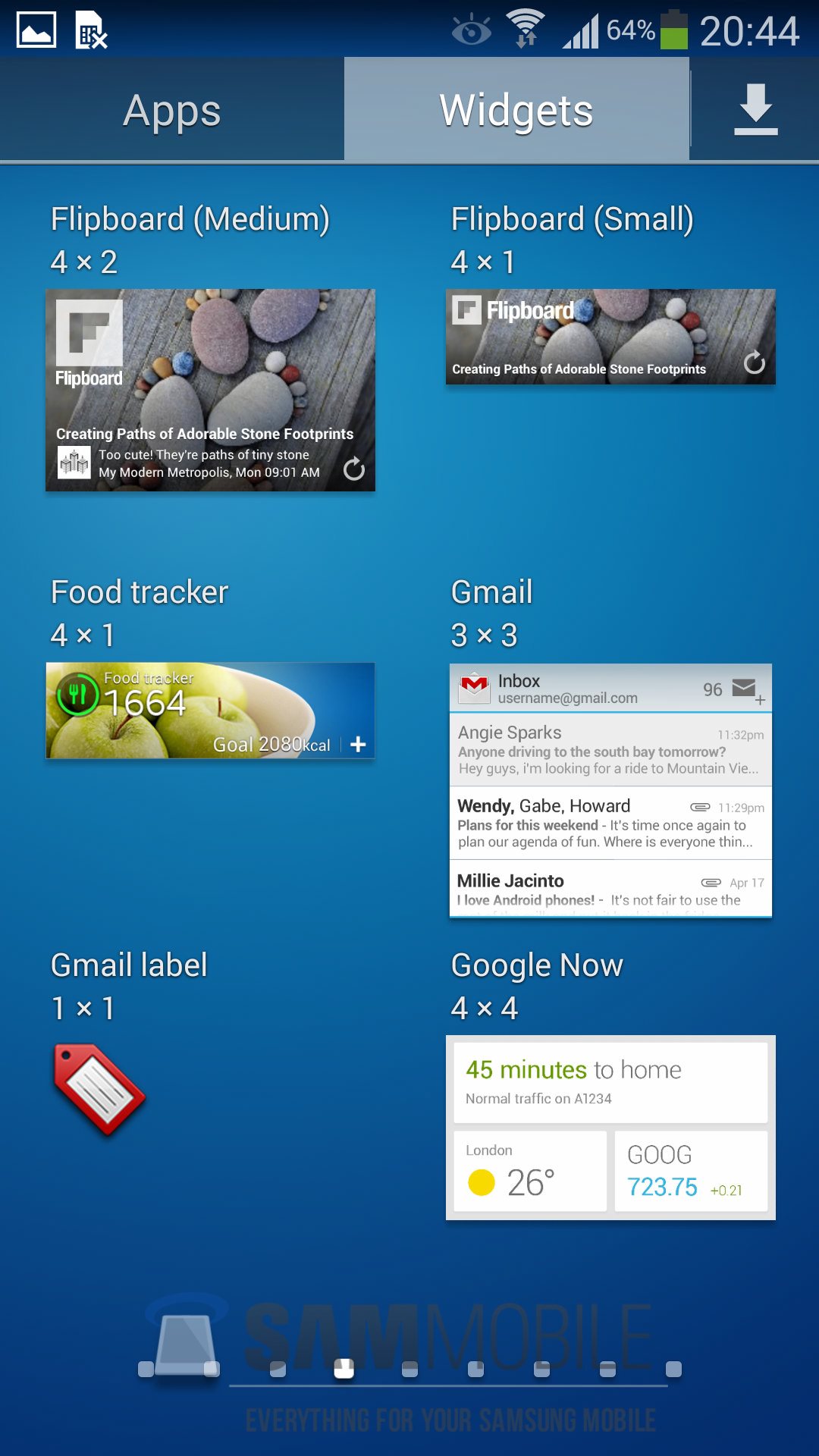
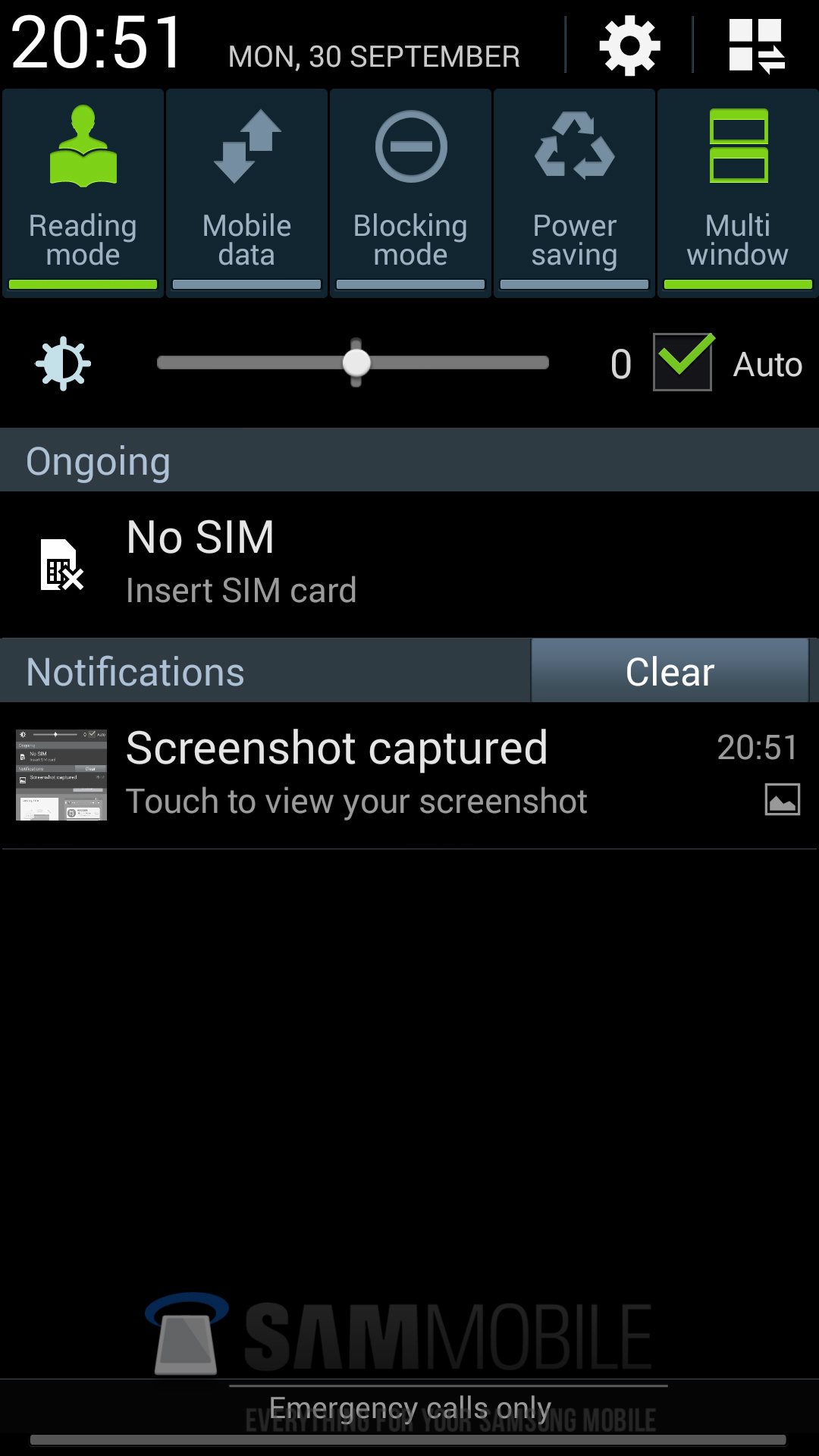
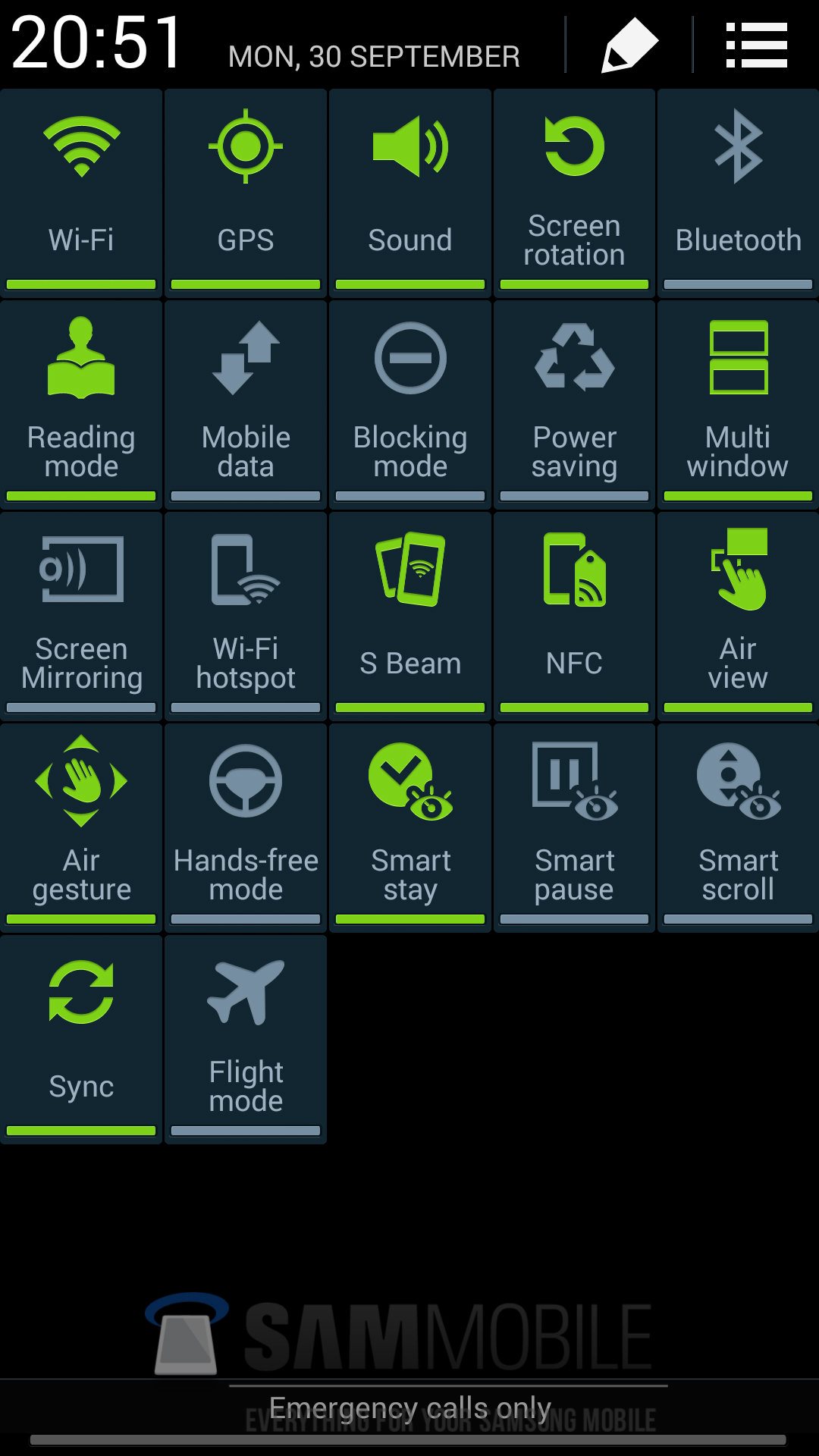
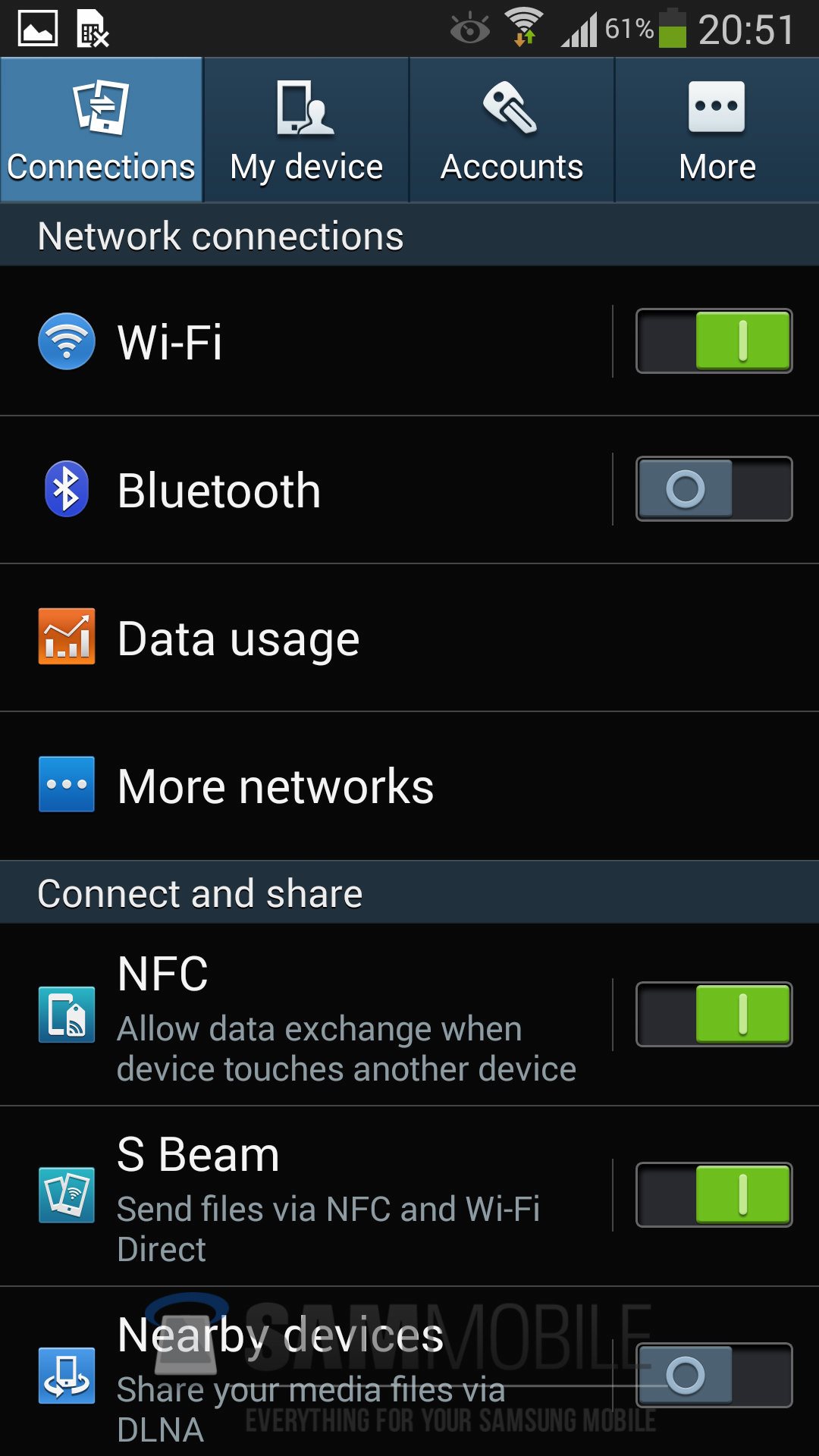
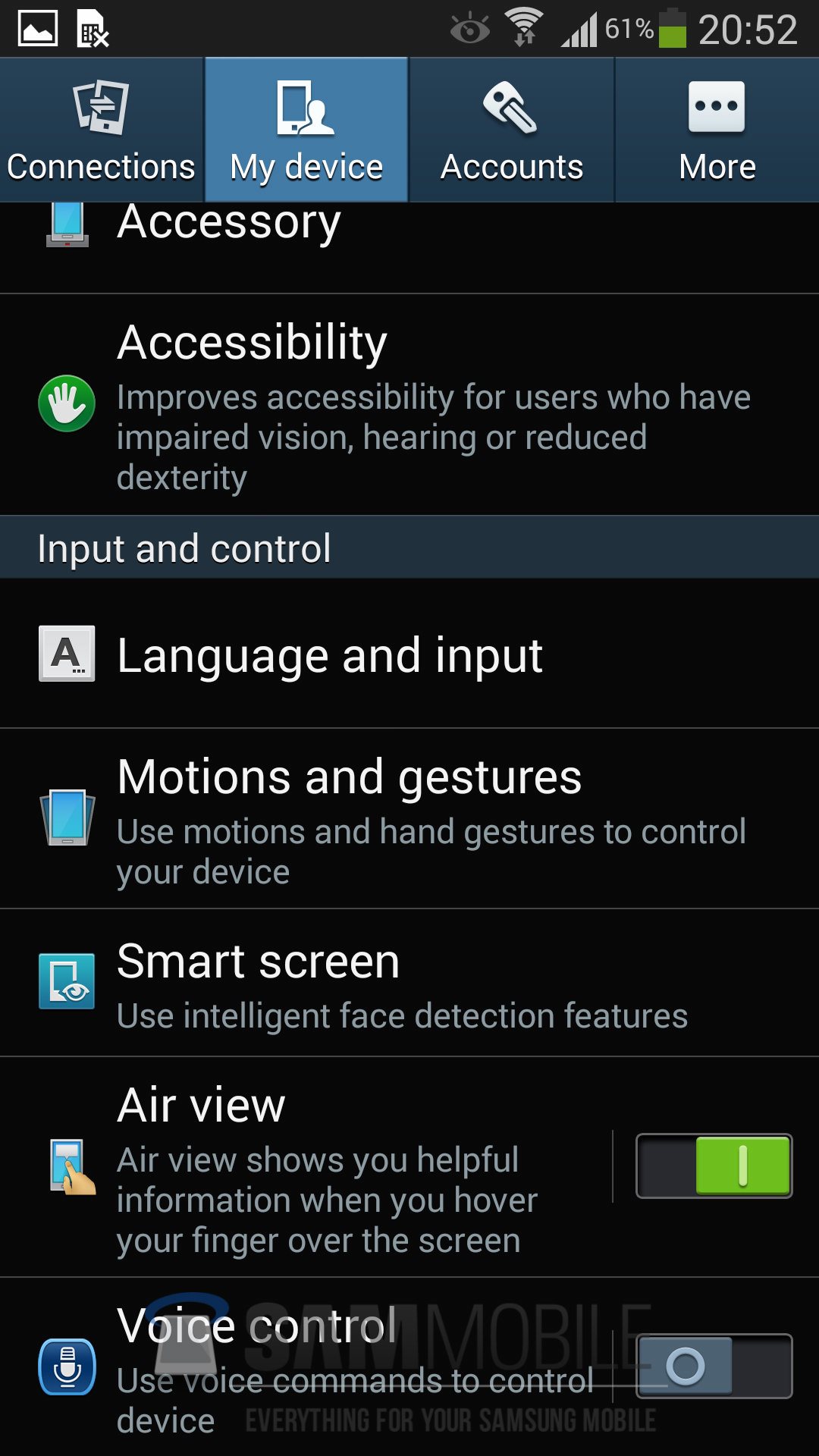
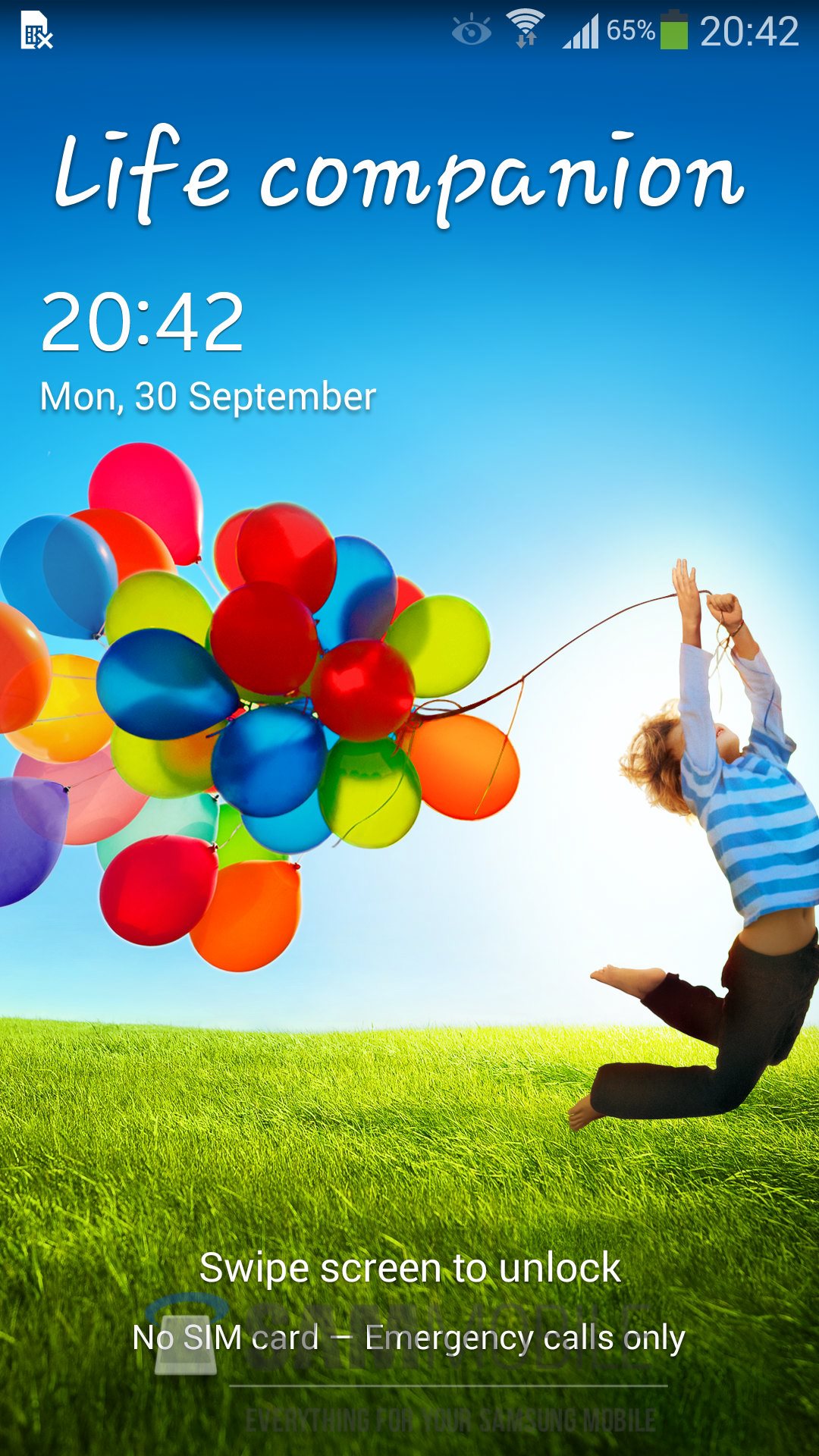
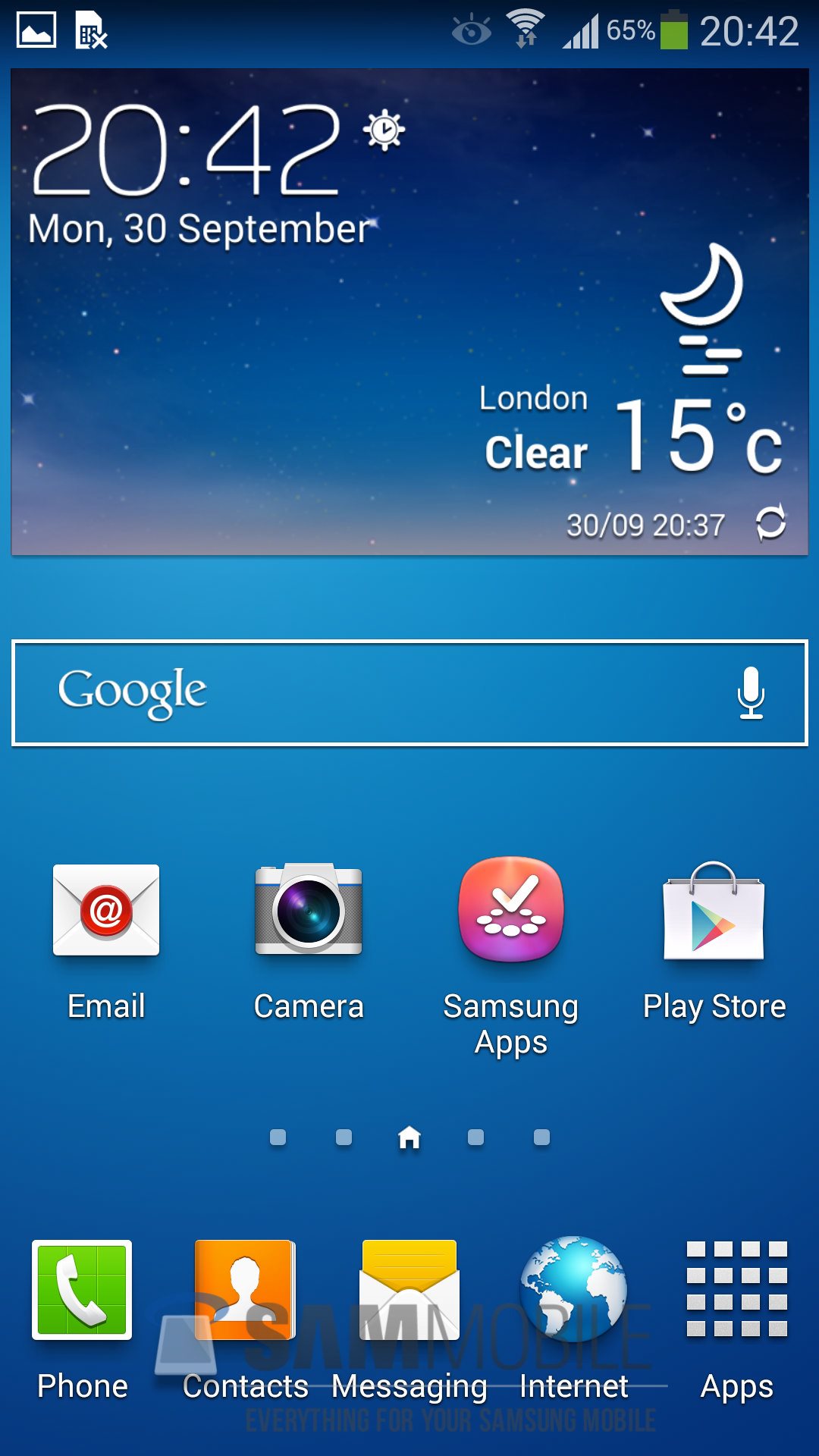
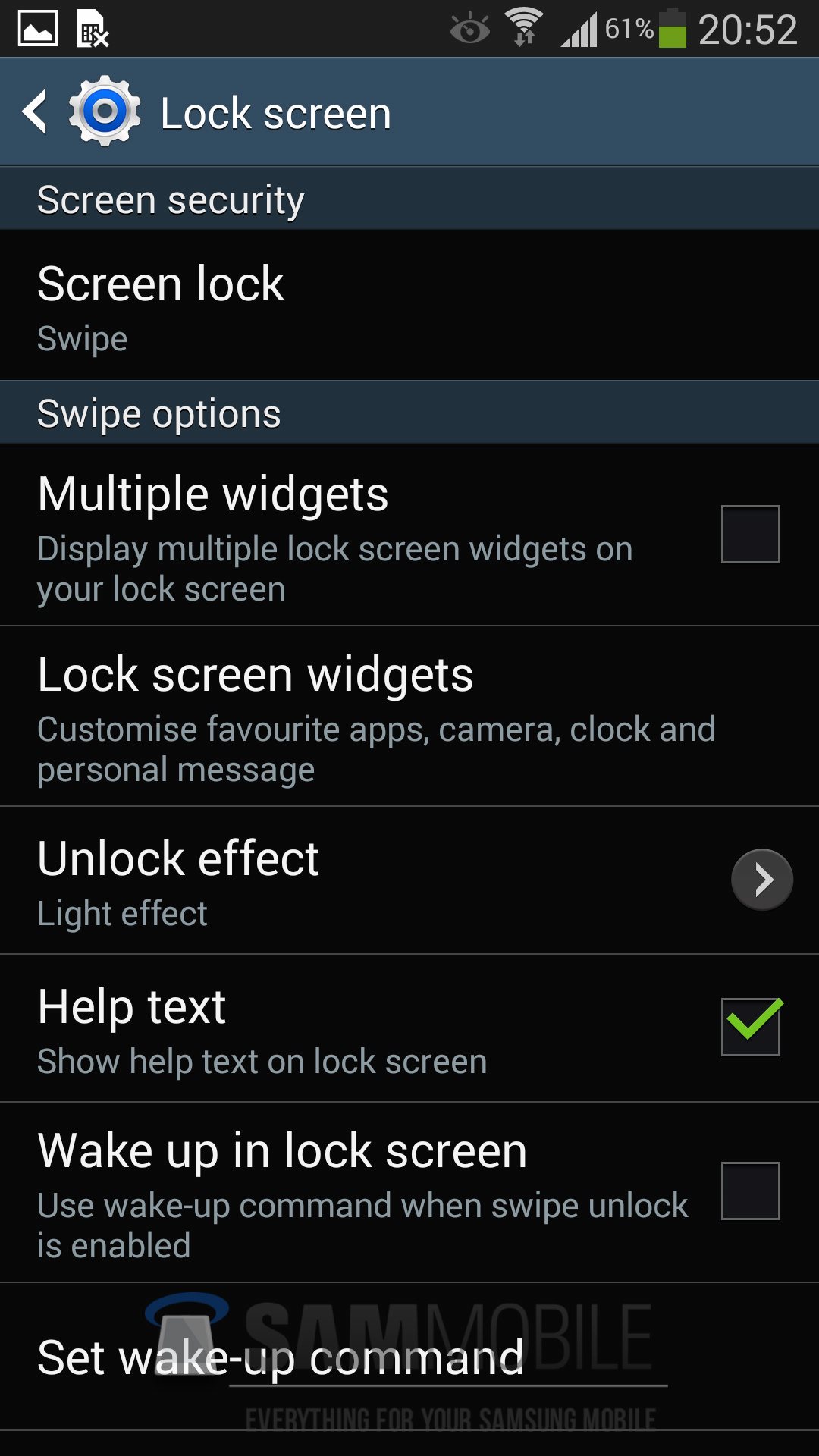
Today we are giving you folks a yet another leaked Android 4.3 build for your Galaxy S4 (GT-I9505) but this time it’s one of the final builds – that means nothing will be included or excluded in future builds of Android 4.3 for the SGS4, except a few bug fixes and improvements here and there. According to our sources, Samsung should start rolling out official update within 1-2 weeks for the Galaxy S4 (GT-I9505 / GT-I9500).
We have tested this firmware for 3 days and haven’t noticed any major changes so far, but there are minor improvements here and there. If you do notice any major changes or improvements let us know in the comment section below.
S4-Android-4.3-SM-EDIT
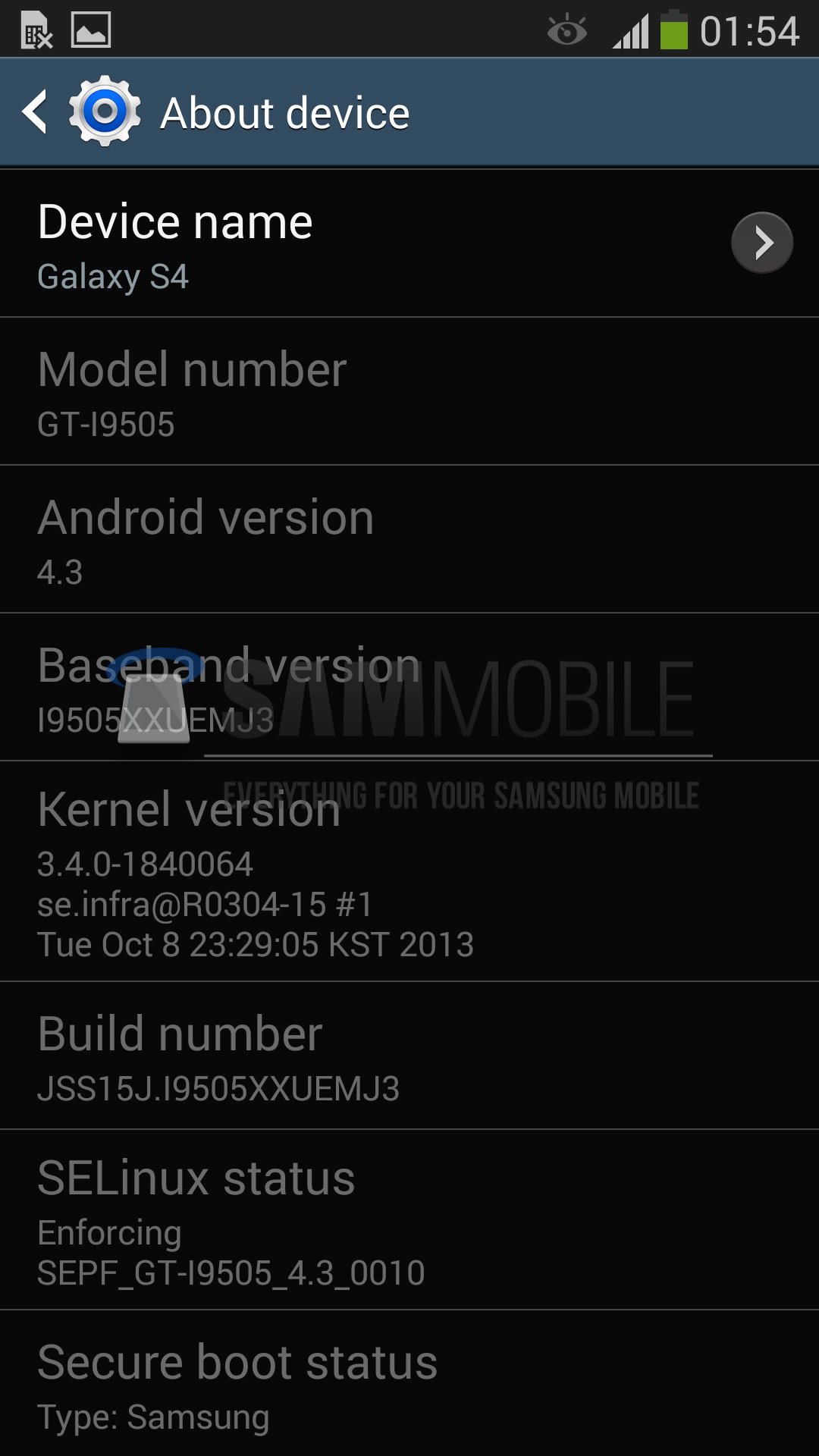
Model: GT-I9505
Country: Open Asia
Version: Android 4.3
Changelist: 1840064
Build date: Tue, 8 Oct 2013 23:29:05 +0000
Product Code: OLB
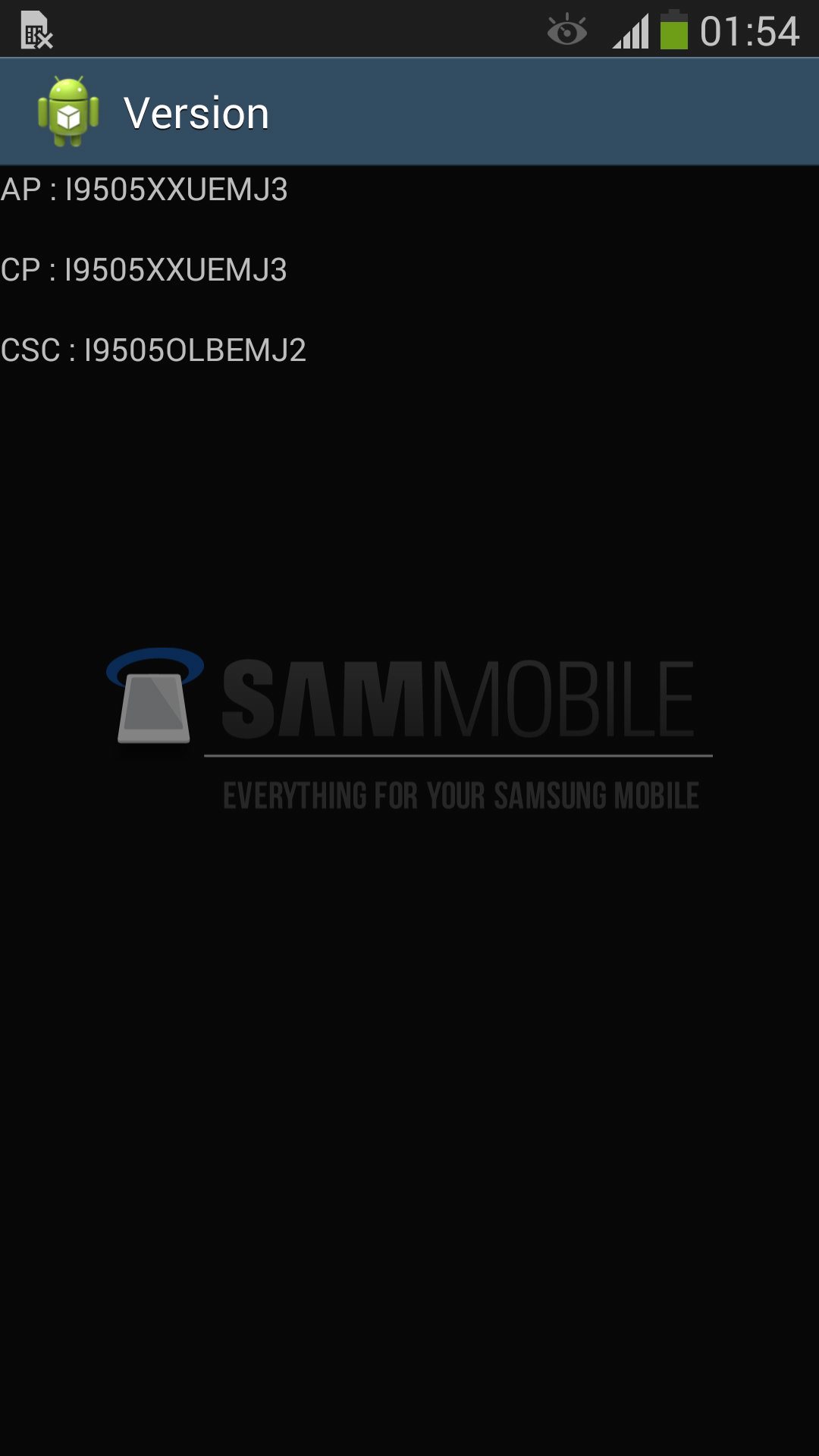
PDA: I9505XXUEMJ3
CSC: I9505OLBEMJ2
MODEM: I9505XXUEMJ3
Download: I9505XXUEMJ3_I9505OLBEMJ2_OLB.zip [MIRROR]
NOTE
- This firmware will WIPE your device (Perform a backup before flashing)
- This test firmware will NOT increase your binary counter NOR void your warranty.
- This test firmware will NOT trigger your KNOX Warranty Counter (If it’s 0×0 before flashing, it will remain 0×0 after flashing and vice versa).
- This test firmware is a pre-release firmware and not official from Samsung.
- We have fully tested this firmware and this firmware works perfectly as any other official firmware.
INSTRUCTIONS
- Extract (unzip) the firmware file
- Download Odin3 v3.09 (From here or here)
- Extract Odin .ZIP file
- Open Odin3 v3.09
- Restart phone in download mode (Press and hold Home + Power + Volume down buttons)
- Connect phone and wait until you get a blue sign in Odin
- Add AP_I9505XXUEMJ3_1840064_REV06_user_low_ship_MULTI_CERT.tar.md5 to AP
- Add BL_I9505XXUEMJ3_1840064_REV06_user_low_ship_MULTI_CERT.tar.md5 to BL
- Add CP_I9505XXUEMJ3_1840064_REV06_user_low_ship_MULTI_CERT.tar.md5 to CP
- Add CSC_OLB_I9505OLBEMJ2_1765174_REV06_user_low_ship_MULTI_CERT.tar.md5 to CSC
- Make sure re-partition is NOT ticked
- Click start button, sit back and wait a few minutes.
- If you encounter any issues with the firmware (Any FC, Bootloop etc)
- Boot into recovery mode (Home+power+vol up)
- Choose to wipe/factory reset. (THIS WILL ERASE ALL OF YOUR DATA INCLUDING YOUR INTERNAL SD CARD!)
- Then choose reboot and you should be good to go!
VIDEO
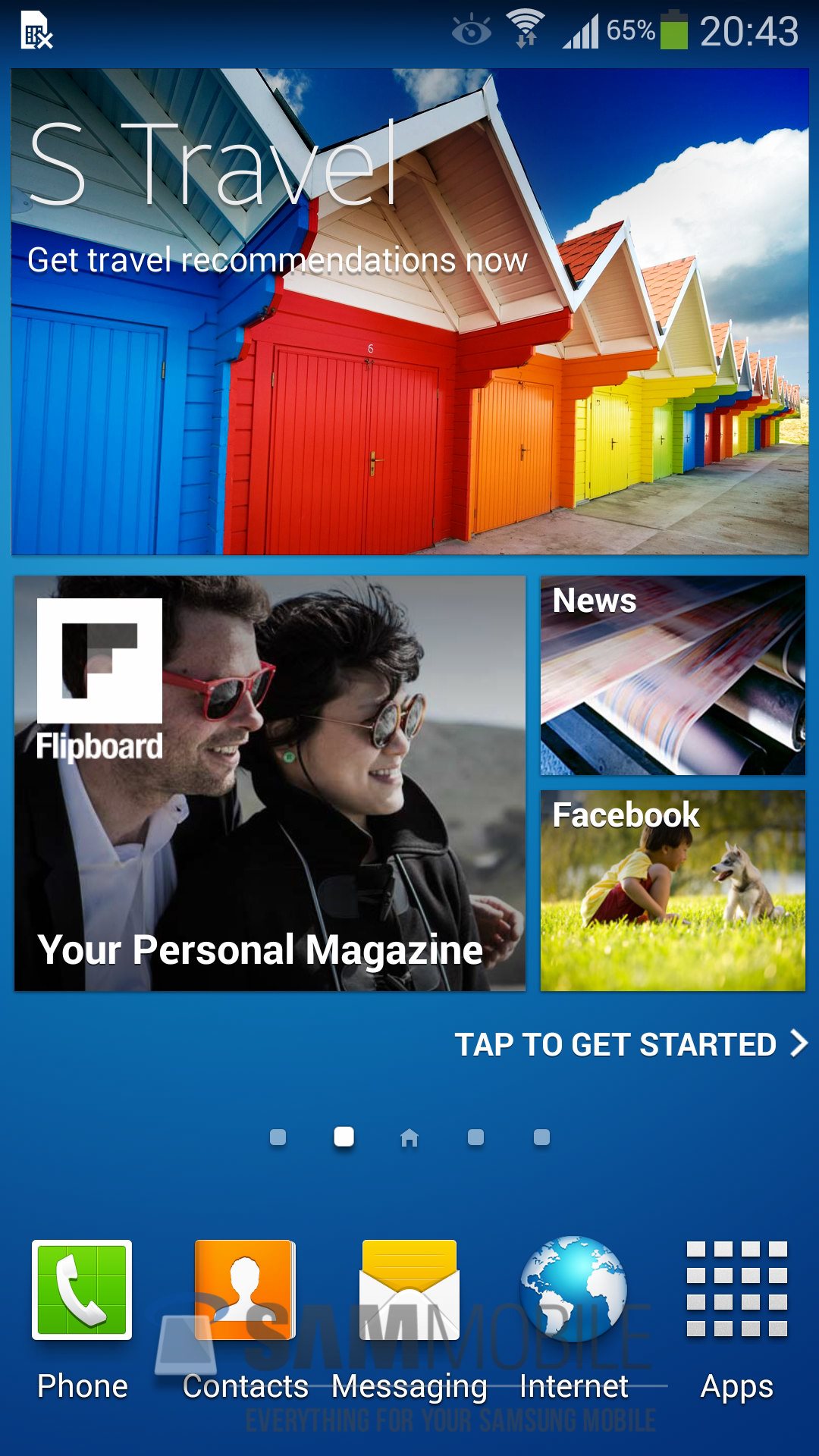
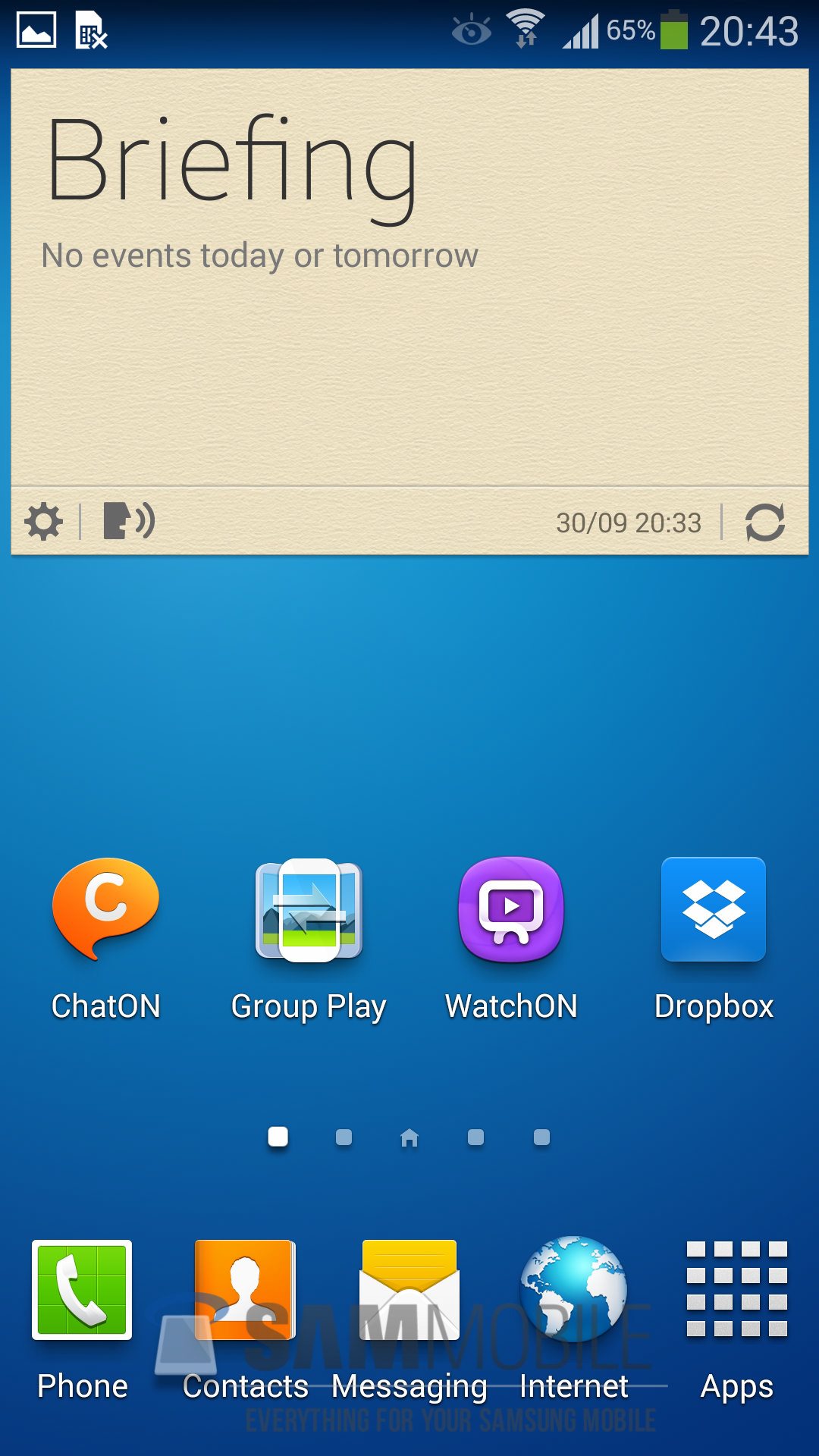
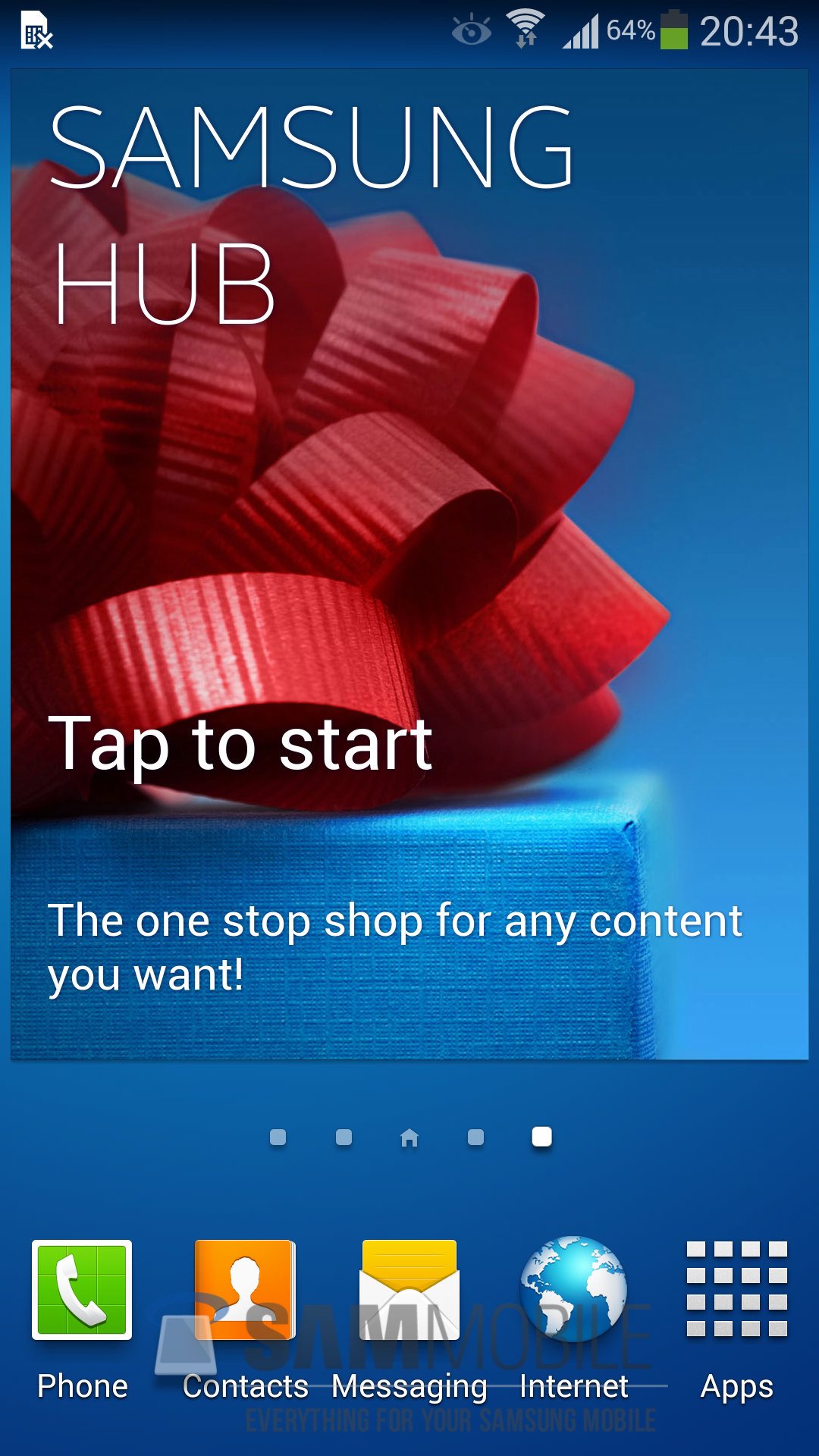
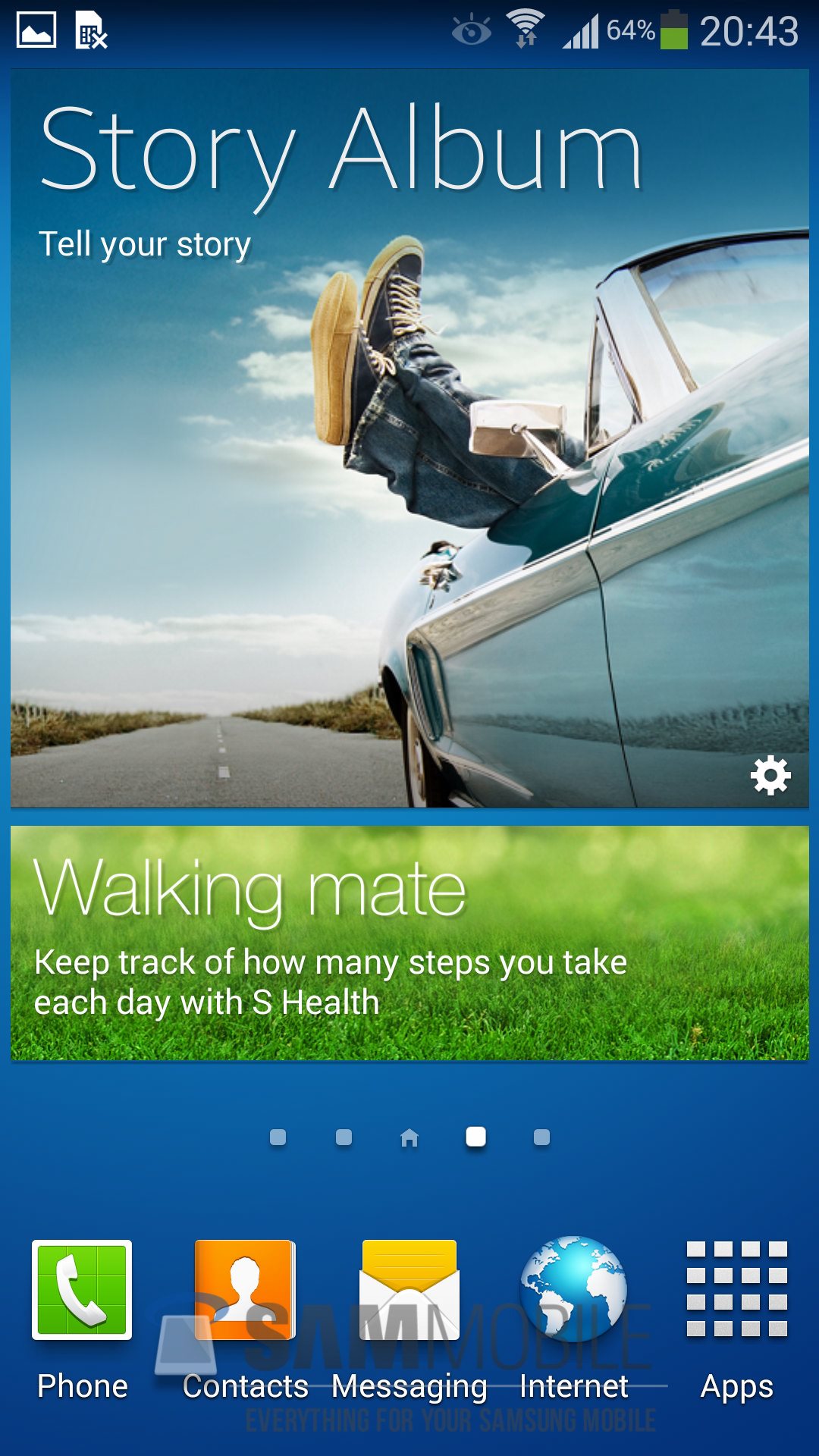
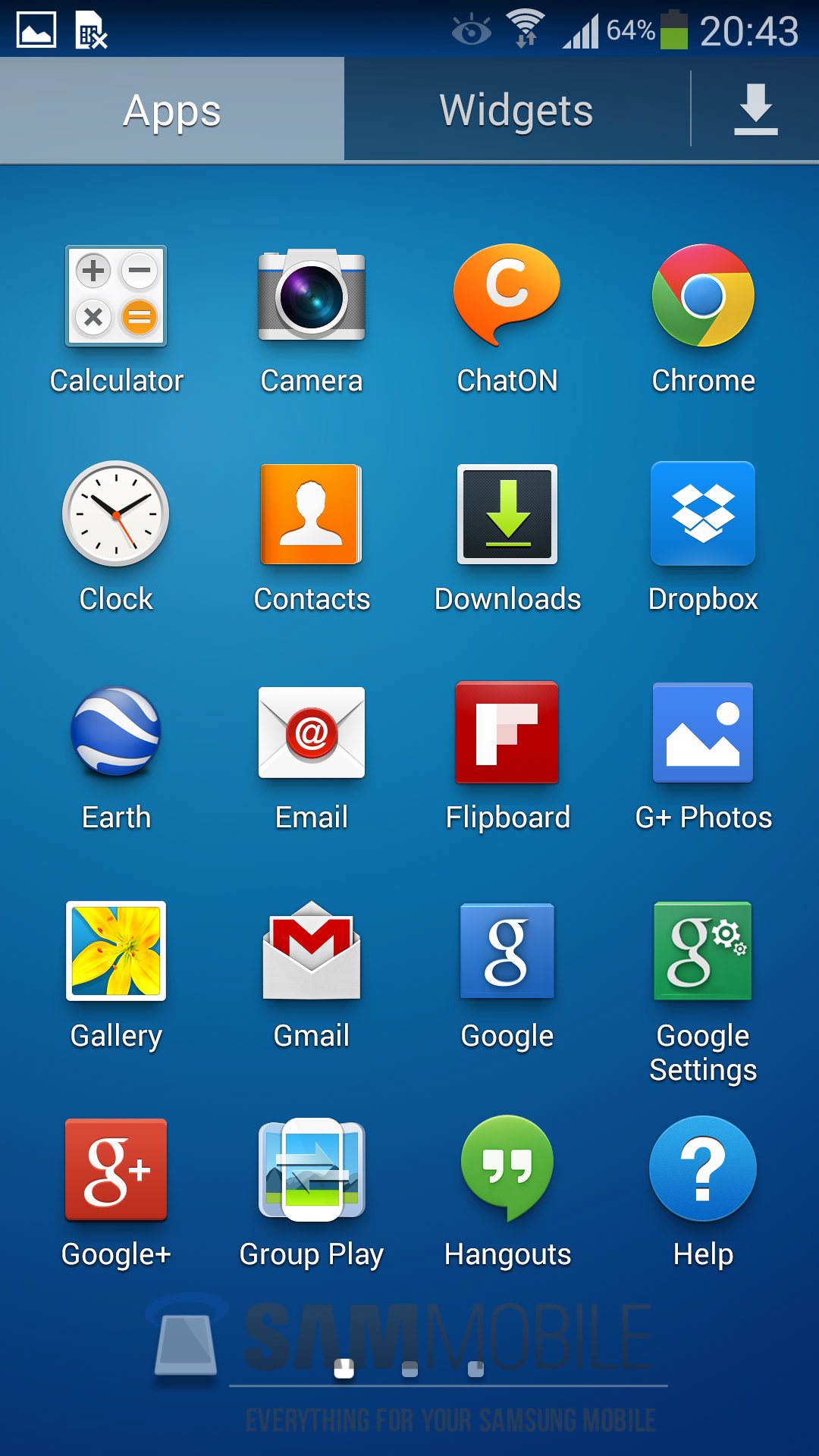
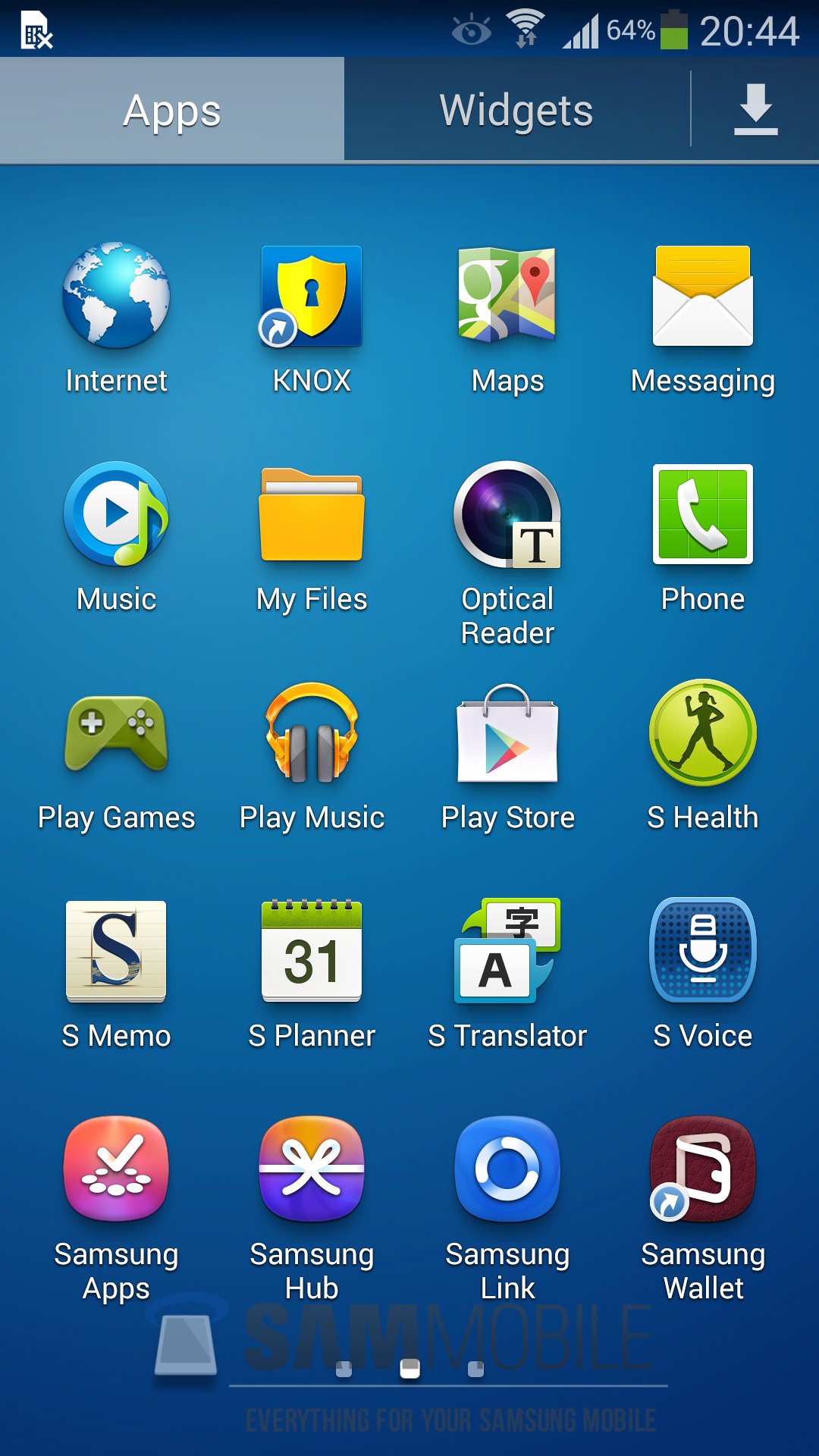
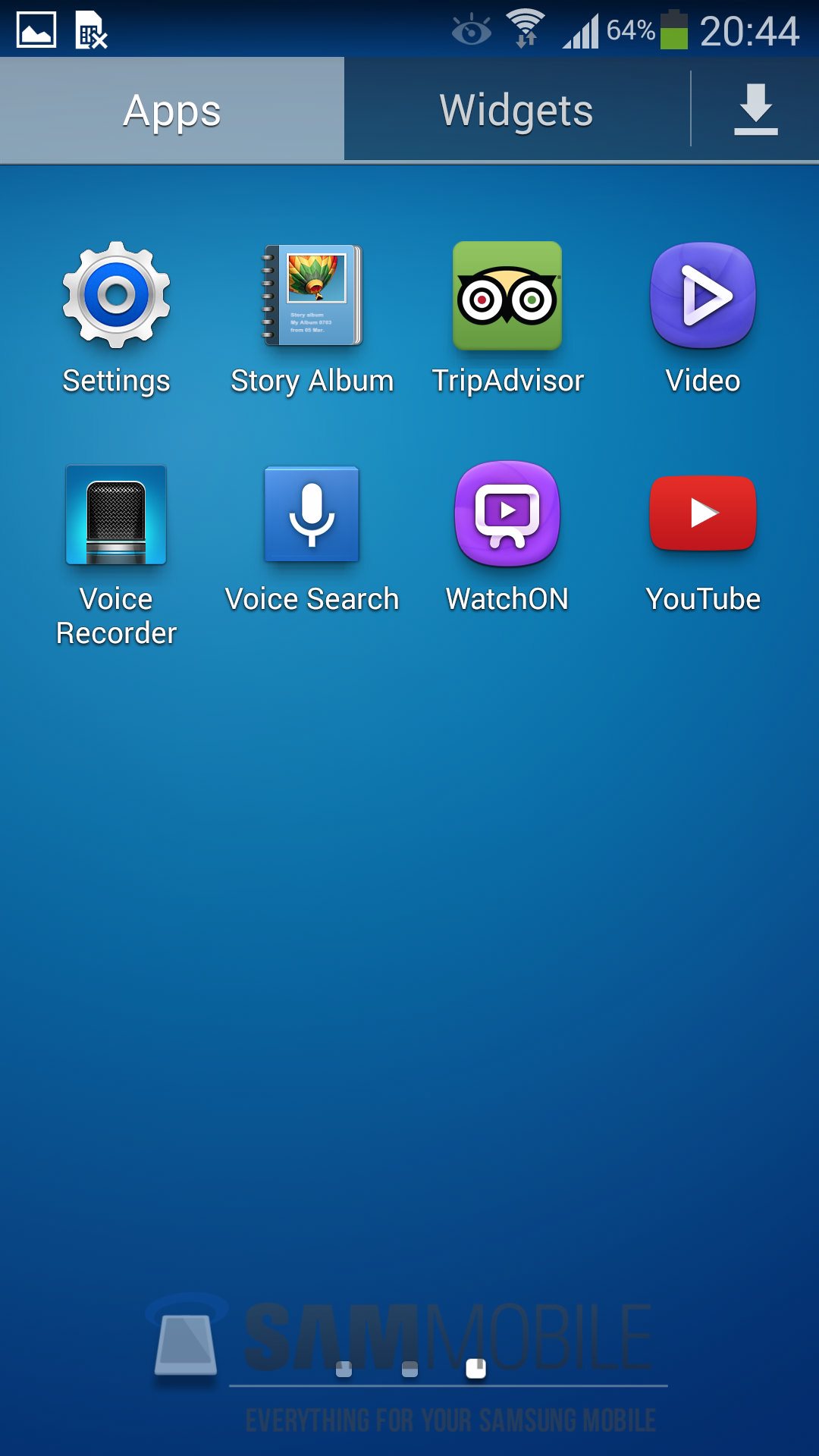
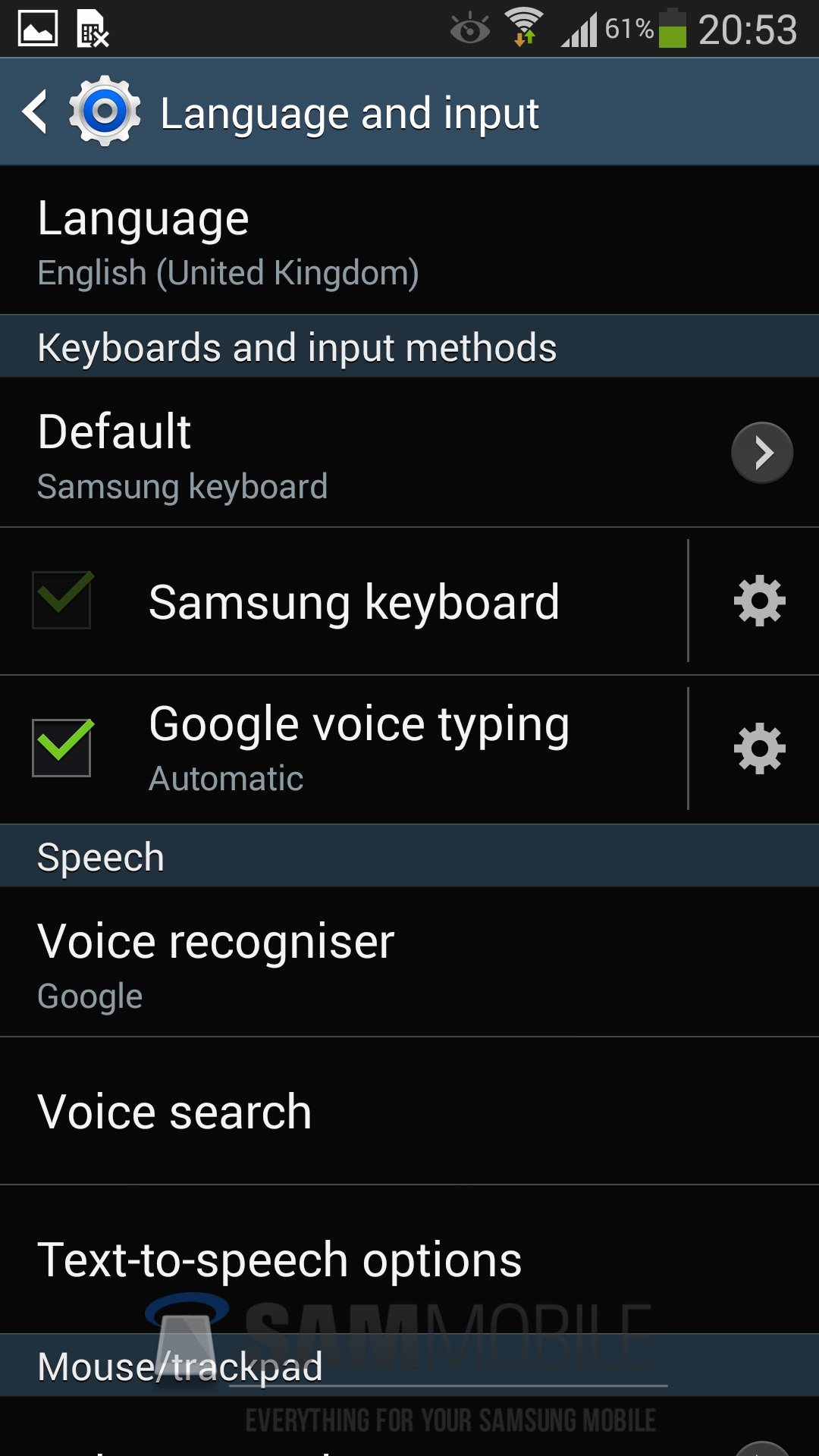
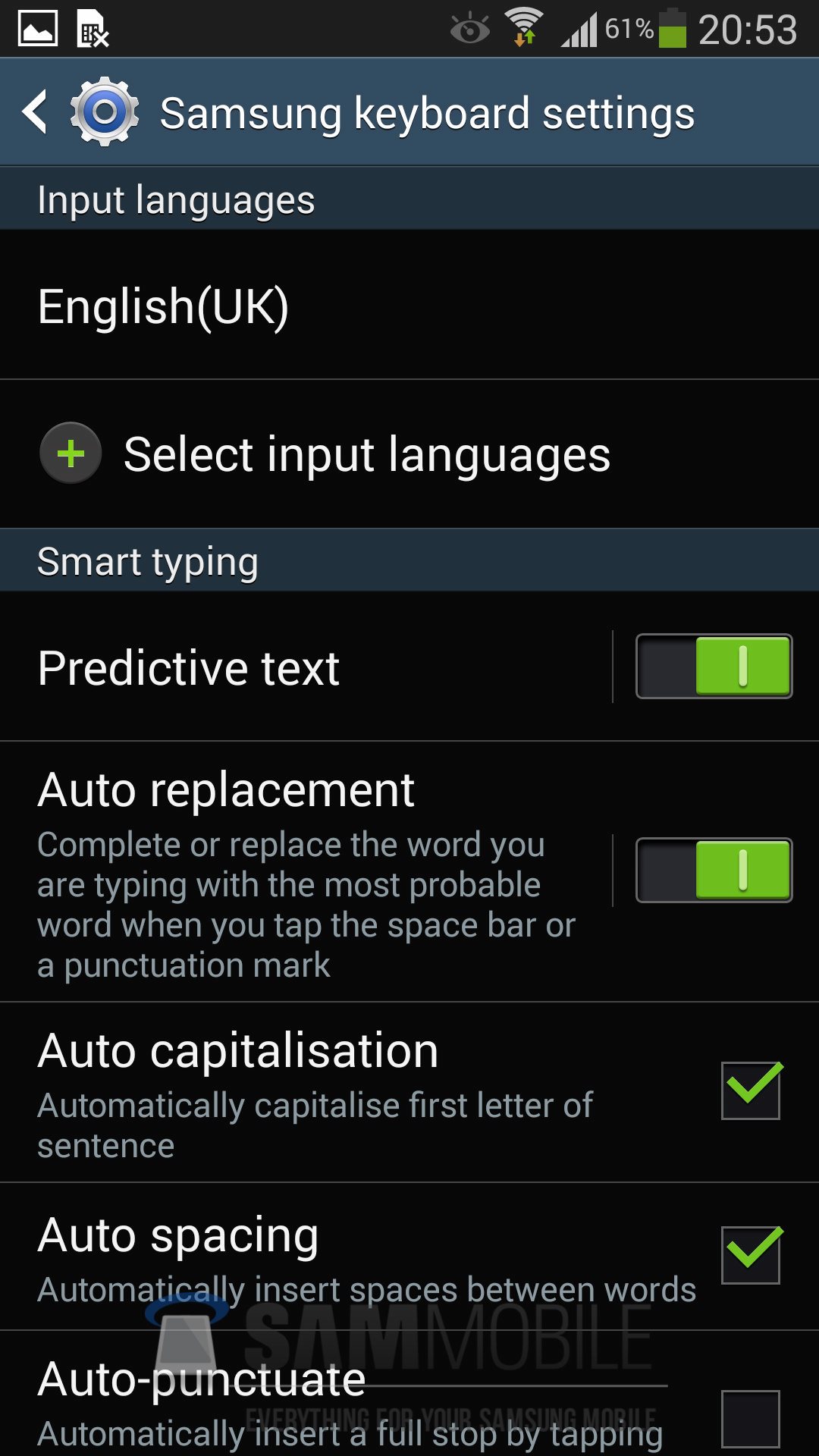
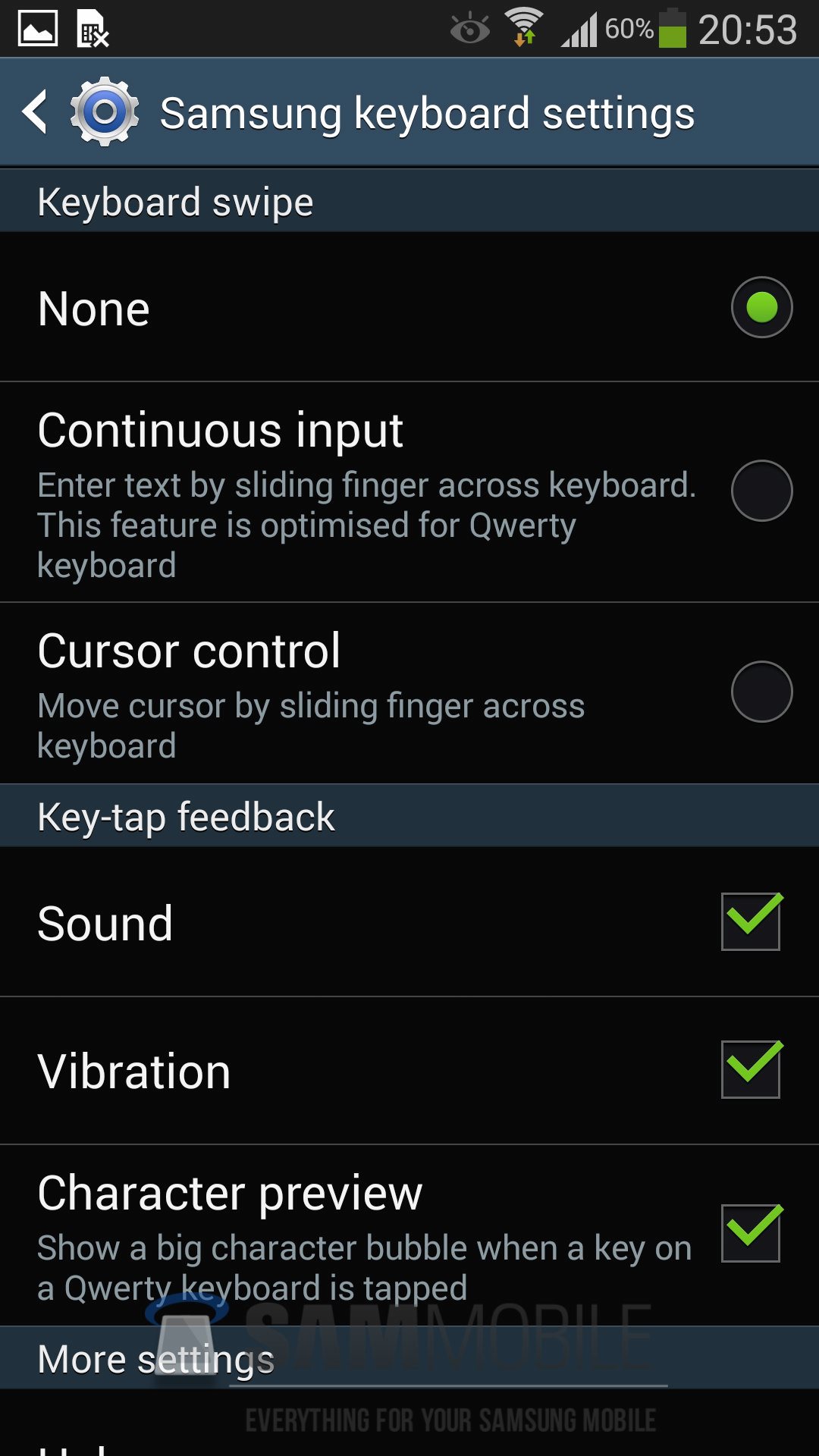
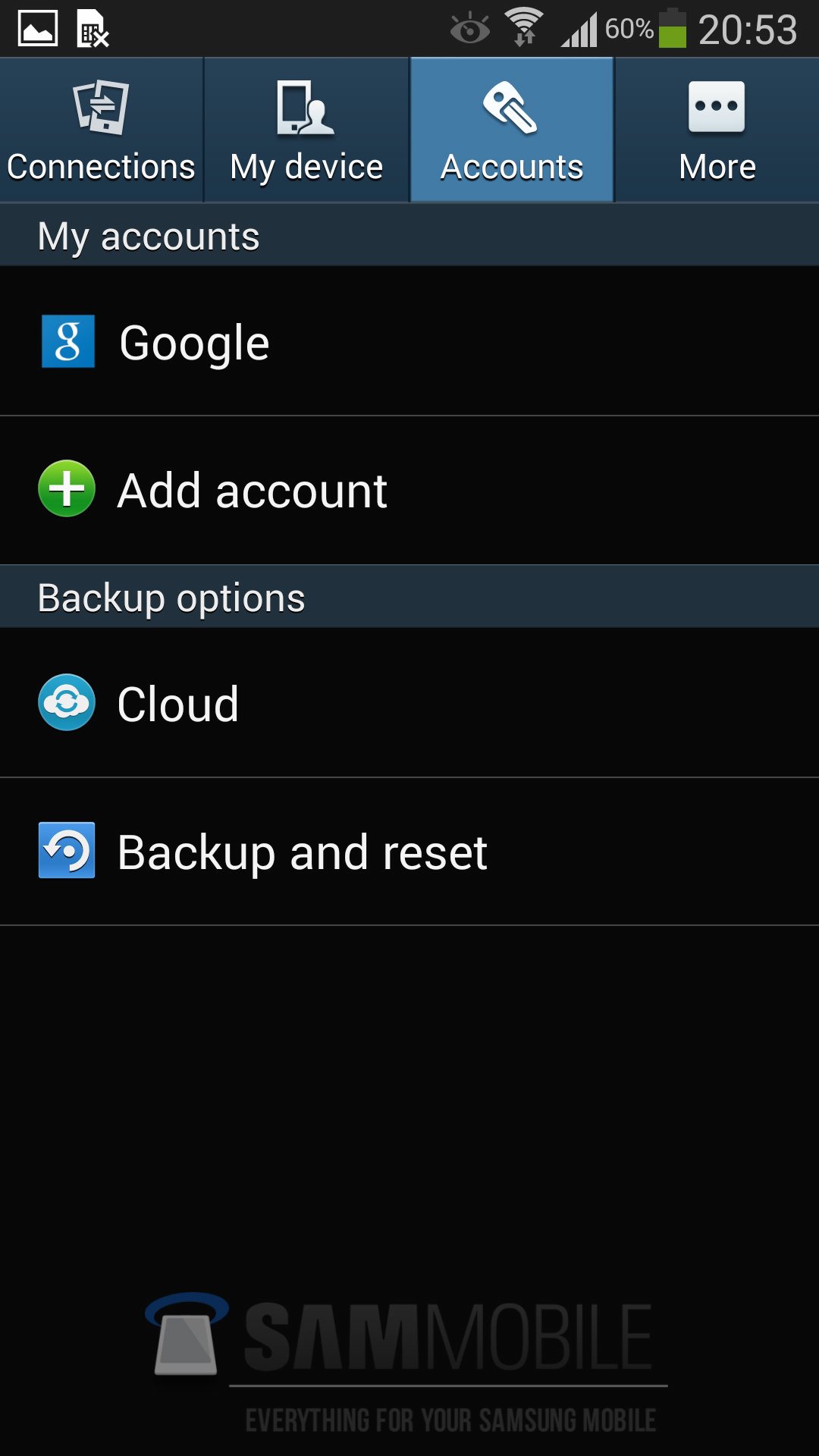
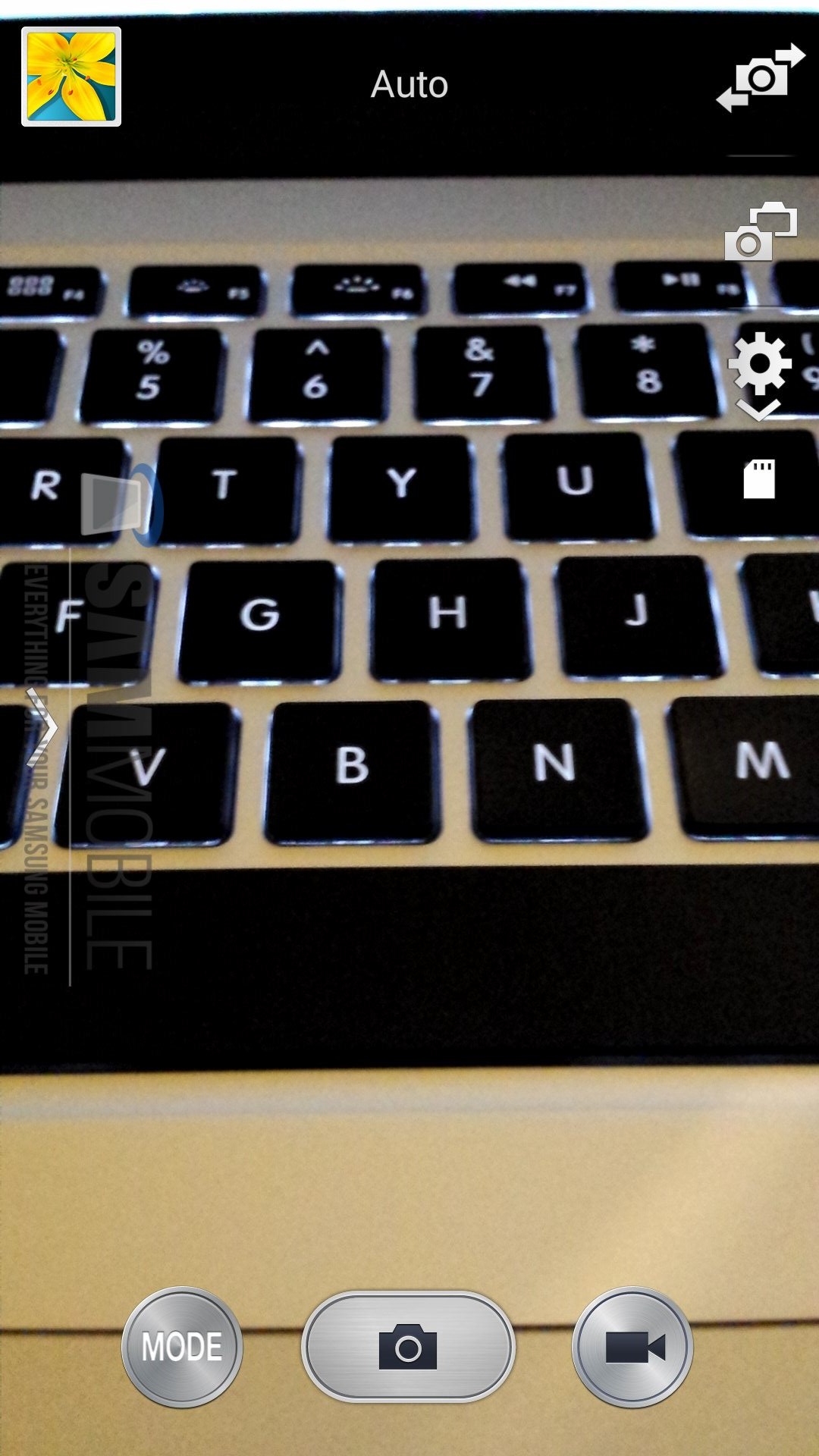
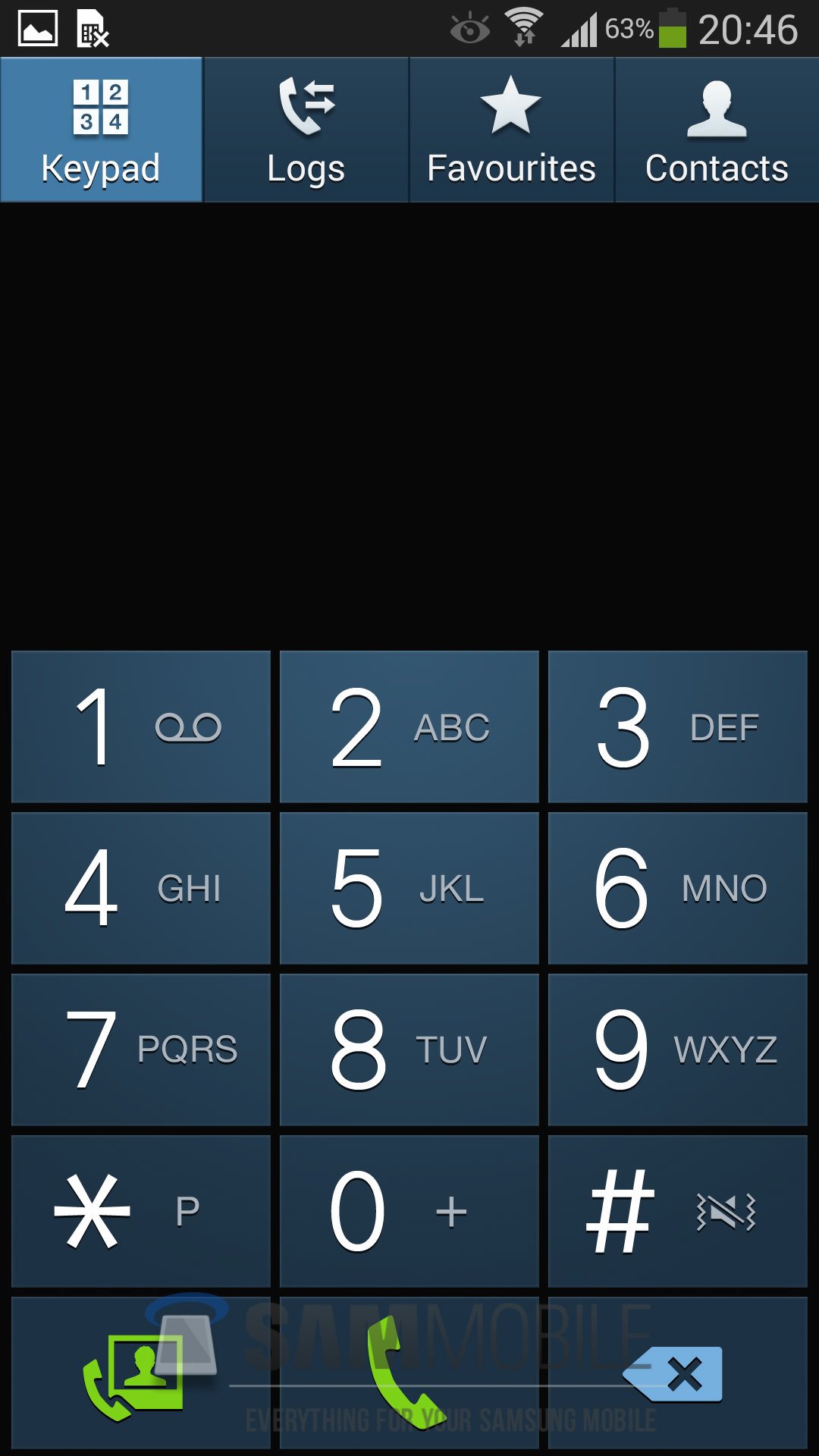
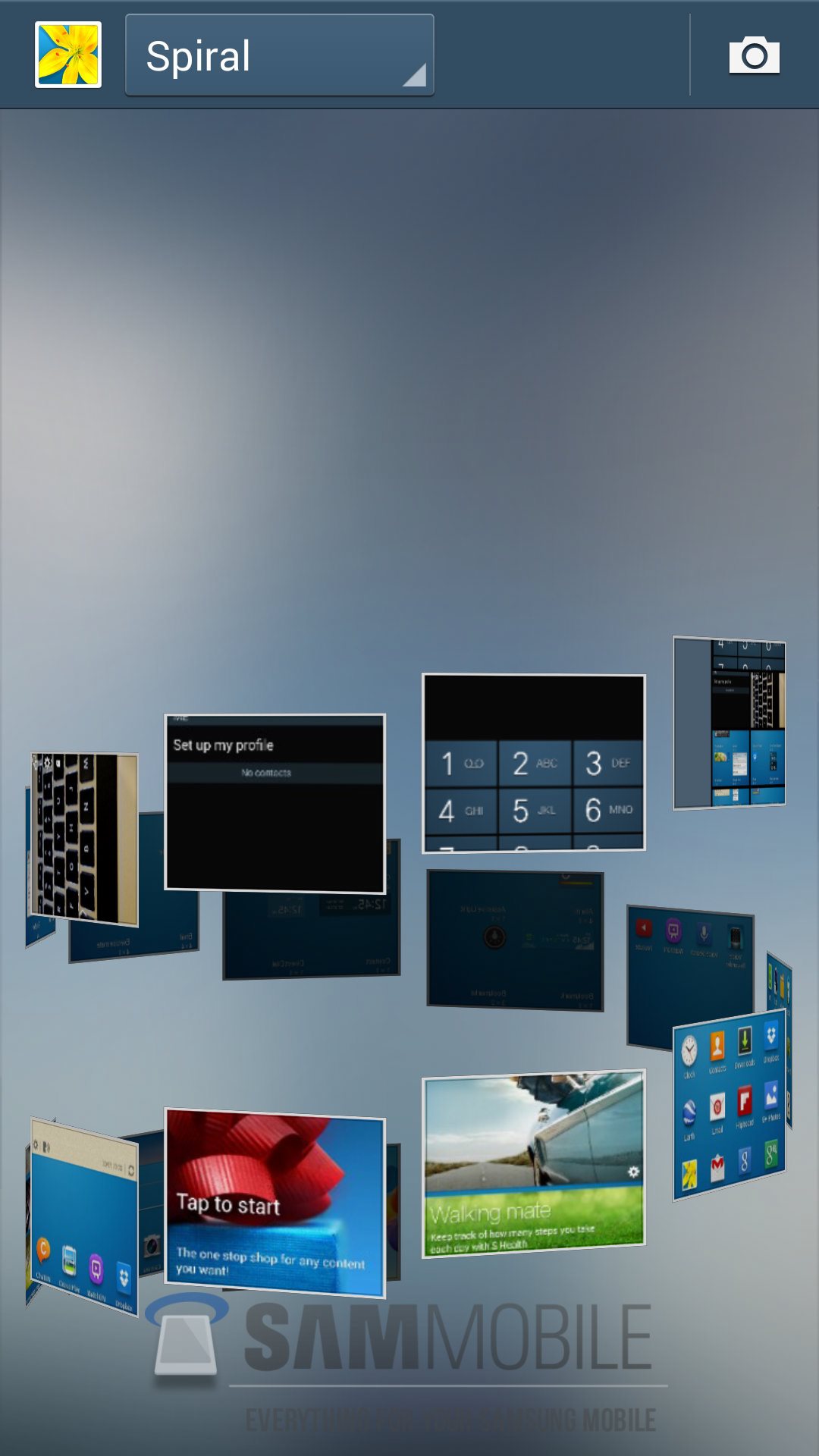
SCREENSHOTS
If you would like to get in touch with us, use the Contact Us page.
Credits to www.sammobile.com


Blogger Tips and TricksLatest Tips And TricksBlogger Tricks
 
© Winboys Soft 2007-2013